Create drawings by tracing images from the 's library or photos. Adjust line thickness and color. Add text and graphical elements. Export drawings in multiple formats. Share completed artwork directly.
Disassemble and reassemble skeletons bone-by-bone.
The app allows users to disassemble and reassemble skeletons, starting with the human skeleton. It features detailed bones, over 1200 parts, and an X-Ray mode.
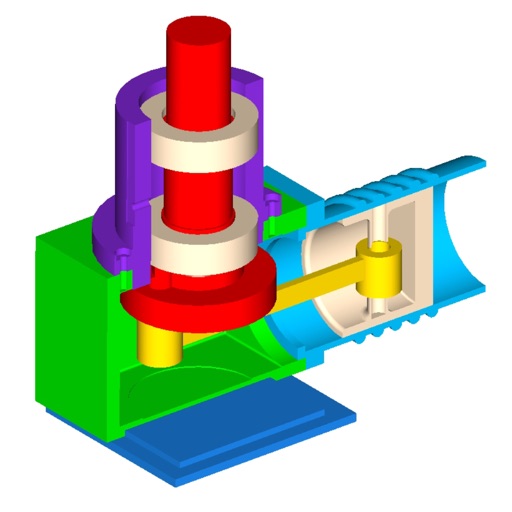
View and interact with 3D STL files. Rotate, zoom, and pan models using intuitive gestures. Inspect details with smooth 3D rendering. Open and explore jewelry designs, engineering models, and CAD files directly on iOS devices.
Learn about networks through interactive tutorials and visualizations. Explore simplified datasets and see behavior in real time. Complete mission-based challenges to understand concepts like training, activation, and optimization.
Create fashion designs using 1,800+ templates and material brushes for fabric textures. Use technical brushes for production drawings. Generate AI-powered videos. Arrange layouts on presentation boards.
Create videos using AI by adding text, music, and transitions. Edit photos with filters, effects, and AI enhancements. Generate AI art from images or ideas. Export and share final content directly.
Build and customize pixel-style models using colored . Create structures like buildings, animals, and dinosaurs. Import reference diagrams to guide creation. Adjust block placement and colors to design unique models.
Measure objects using AR by aiming your camera and dragging a virtual ruler. Calculate height, width, length, and area. View real-time measurements and save results for later reference.
Solve problems by typing or scanning with the camera. Receive step-by-step explanations for algebra, calculus, and graphing. Access detailed solutions for complex concepts.