Create and manipulate music with a virtual analog . Generate lush pads, deep basses, classic keys, and vibrant leads. Adjust filters, envelopes, and modulation parameters. Save and export projects in multiple audio formats.
Add multieffects to audio tracks with Bitcrusher, Ring Modulation, Fuzz Octaver, and other . Adjust parameters and bypass with a double tap. Send to different output buses. Automate parameters via MIDI CC. Use multitouch for effect control.
Capture photos of the moon by aligning the camera manually. Adjust moon size with two fingers. Tap to autofocus or manually adjust focus. Modify brightness using +/- buttons for better detail. Press the circular button to take a photo.
Enlarge and display characters for detailed study. Select from Gothic or Mincho fonts and view stroke order. Access full-screen mode with horizontal scaling. Use Wiktionary to check pronunciation, kun readings, and meanings.
The app sends MIDI messages to synthesizer apps and hardware. Users can transpose the entire range up or down and select fixed or variable note velocity.
The app simulates vintage 80's computer and game console sounds using a monophonic synthesizer and a piano roll sequencer. Users can compose songs with up to four trucks and 128 voices, adjusting parameters with simple controls.
Nd play test tones including sine, rectangular, triangular, and sawtooth waves. Create and play frequency sweep tones in ascending and descending directions. Adjust frequency, amplitude, and duration settings.
Control a gun by moving and dragging to shoot falling cubes. Match the rhythm to score points and avoid missing. Choose from various guns that create different musical effects. Play with over 100 songs and compete for combos.
Organize and play from cloud storage services like Google Drive or Dropbox. Download tracks for offline use. Create playlists by dragging tracks into folders. Separate tracks by albums or folders. Upload from PC or Mac via WiFi or cable.
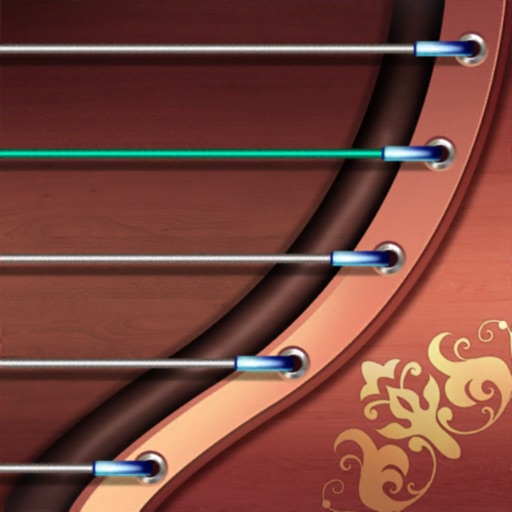
Play the with a virtual 21-string instrument. Use right-hand techniques like pluck, gliss, tremolo, and automatic tremolo. Employ left-hand techniques for tuning and expression. Practice riffs, tabs, and chords on the go.
Tune guitars, basses, violins, and other instruments using smartphone microphone. Detect pitch and display frequency. Adjust tuning with visual indicators. Save and share tuning sessions. Sync with -Track Studio for advanced editing.
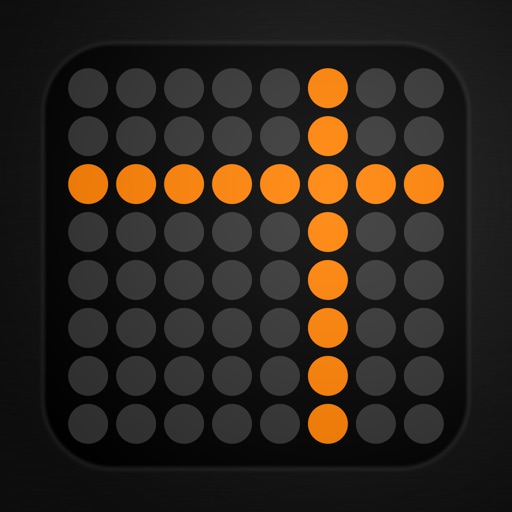
The app is a matrix-controlled arpeggiator that allows users to play arpeggios with their thumbs. It offers control over pitchbend, tremolo, and vibrato using the iPad's accelerometer.