The app supports iPhone and iPad, allowing users to move paintings between devices and continue working. It offers unlimited undo and redo, dimensions up to 2048x2048, and background autosave.
Create social media graphics using pre-designed templates. Choose from layouts for collages, banners, invitations, business graphics, posters, quotes, and profile photos. Customize designs with text, images, and color adjustments.
Edit images with filters, effects, and background erasing. Add , stickers, and shapes to . Use layers for advanced editing. Access a large font library and sticker collection. Create flyers, posters, and social media content.
Create room and layouts with furniture placement. Use camera measurements for precise dimensions. Export designs as PDF, DXF, or PNG. Sync with Apple Health.
Edit 3D models using vertex, edge, poly, and object modes. Create parametrized shapes like cubes and cylinders. Import and export FBX files. Publish models to Sketchfab. Use keyboard shortcuts for efficient workflow.
Create 3D art with advanced editing tools. Build models using intuitive controls. Export to multiple formats. Use AR to preview creations. Design assets for games or the metaverse.
Create vector illustrations and technical drawings with precise tools. Adjust shapes, colors, and layers. Export in multiple formats. Sync between macOS and iPad.
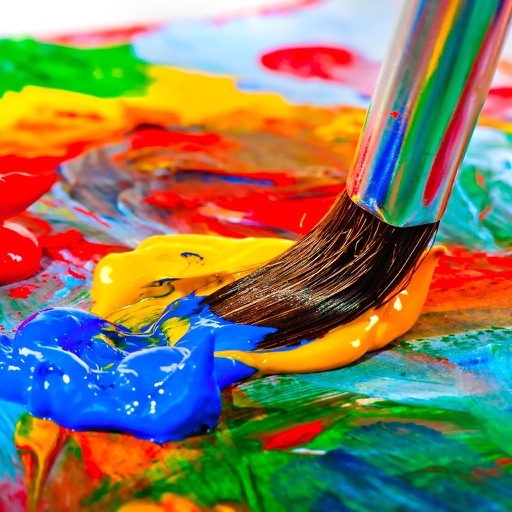
Create digital paintings using layers, masks, and clipping. Apply smudge and blur tools for texture. Draw shapes and use pure colors. Erase parts of artwork. Save and share completed pieces.
Backgrounds and unwanted objects from photos using AI-powered tools. Edit and arrange images, then save as PNG, JPG, or WebP. Share directly or export in high-resolution formats. No watermarks in free version.
Multiple screenshots together to create a single long image. Select and arrange manually or let the auto- them seamlessly. Export the merged image for sharing or saving.