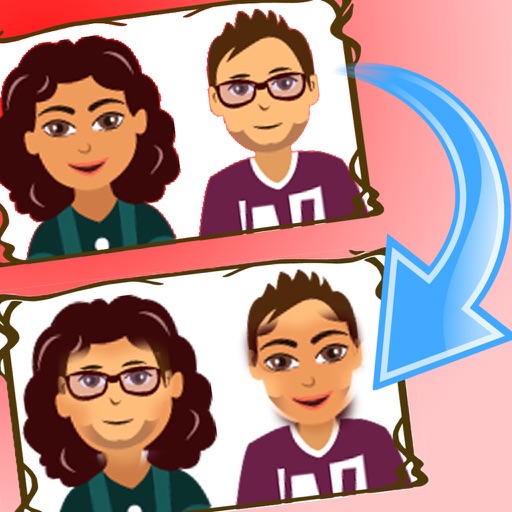
Swap faces in photos with a single tap to replace faces in images. Edit up to 12 faces in one photo. Share modified images directly to social media platforms like Facebook and Twitter. Features include intuitive interface and quick editing tools.
by rakan bushnaq★ 4.116 ratingsPhoto & VideoFreeData updated 2026-09-10
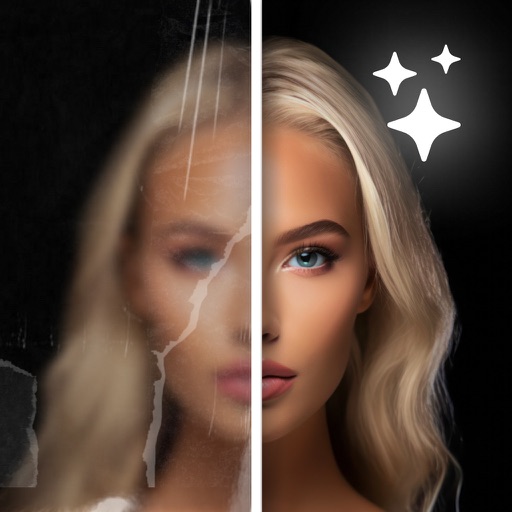
AI Enhancer improves quality using artificial intelligence. Enhance clarity, sharpness, and lighting with one tap. Upscale images to increase resolution without quality loss. Automatically enhance faces and remove blemishes.
Create composite faces by blending selected photos. Choose images from the Photos Library, adjust blend settings, and share the result. No image data is stored.
Swap faces in videos and photos using AI technology. Select preloaded content to replace faces instantly. Create humorous clips by swapping faces in funny videos. Edit and share modified content directly.
Blur faces in photos and videos using an AI-powered tool. Select areas to blur and apply precise face tracking for accurate results. Choose from multiple blur styles and overlays to customize the effect. Share edited content directly from the .
Backgrounds with a single touch. Replace backgrounds with any image. Apply blur to create a depth effect. Adjust clarity for better visibility. Export edited images directly.
Edit photos and videos with AI swaps to resemble idols. Personalize content with customizable hairstyles and idol looks. Apply popular filters and effects. Create greeting cards with themed designs. Share edited content directly.
Anonymize photos and videos by blurring or coloring faces and full bodies. Remove metadata such as time, date, and location. Apply anonymization settings locally without internet connection.
Create faces using AI by uploading parent photos. Generate realistic images with facial recognition. Add video generation to create animated videos. Share results on social media. Adjust features like hair, eyes, and expressions.
Watch Arabic children's videos and songs. Search for content by category. Add new videos regularly. Use simple navigation for easy access. Set parental controls for content filtering. Share videos with other users. Track viewing history.
Edit screenshots with customizable backgrounds and size adjustments. Apply preset ratios for optimal display. Share enhanced images directly from the .