
iPhone Screenshots
Description
[Notice]
Need to install the printer driver to use Epson Exif Label Tool. Please visit the support page of your local Epson website and download the driver.
[Description]
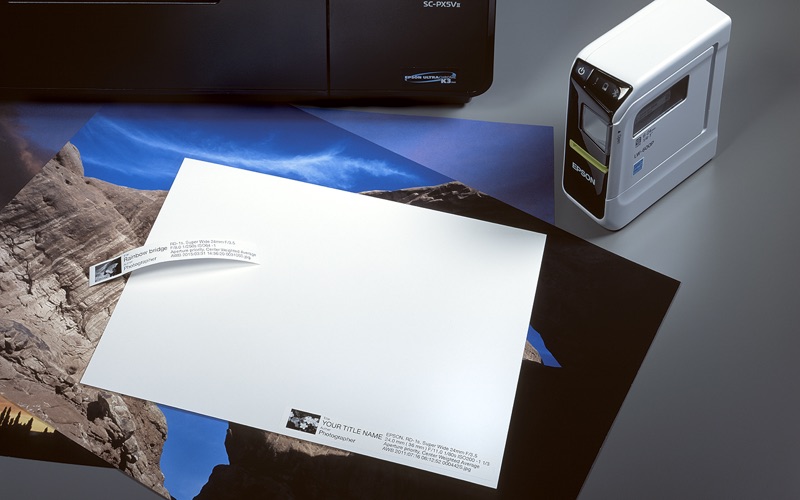
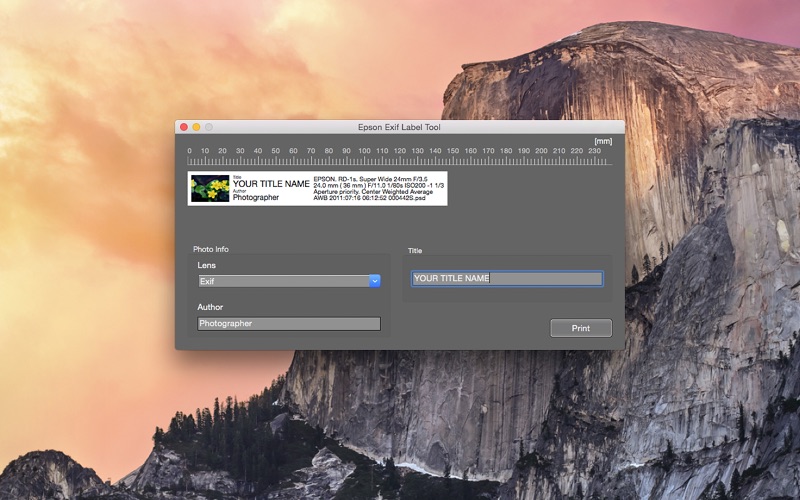
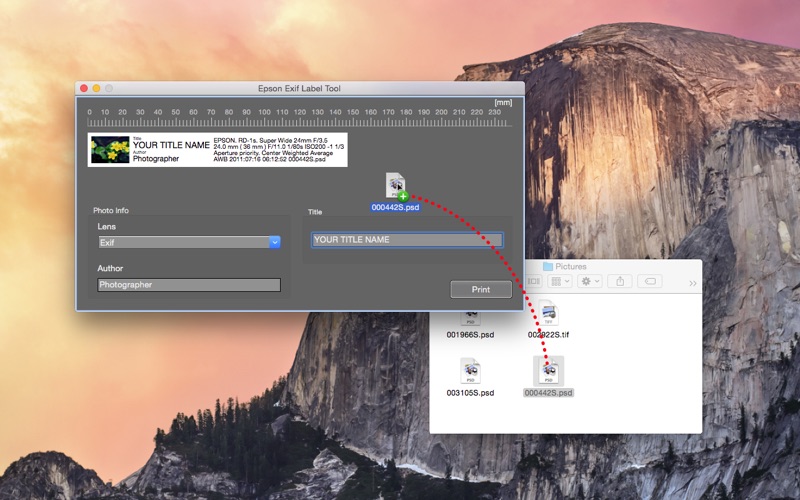
Epson Exif Label Tool, a free downloadable application, creates labels from photo Exif data. It imports the data automatically through an image file drag & drop process, and also creates a monochrome thumbnail. You only need to edit the title of the photo. You no longer need to deal with the hassle of making labels. The Epson Exif Label Tool truly helps you with photo management.
[Supported image file]
JPEG, TIFF, PSD
[Supported data]
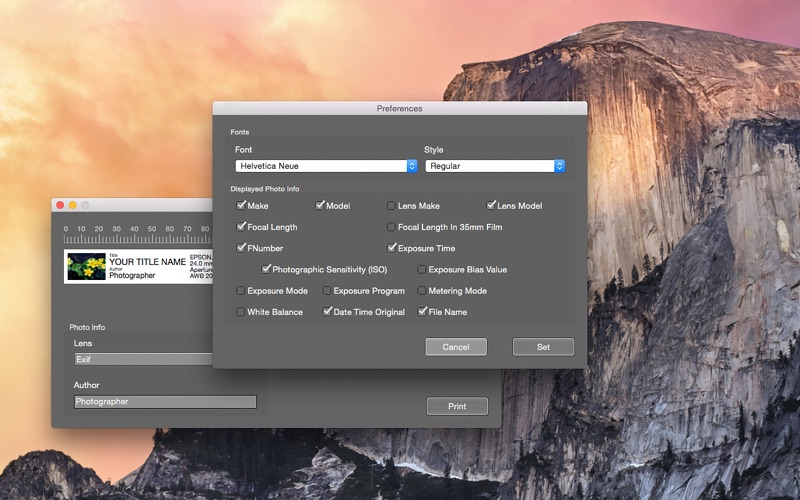
You can select the data that you want to print on the label from the list below.
Maker(Camera), Model(Camera), Lens Maker, Lens Model, Focal Length, Focal Length In 35mm Film, FNumber, Exposure time, Photographic Sensitivity (ISO), Exposure Bias Value, Exposure Mode, Exposure Program, Metering Mode, White Balance, Date Time Original, File Name
[Supported Models]
LW-600P, LW-700, LW-900P, LW-1000P, OK600P, OK730, OK900P and OK1000P
[Supported OS]
OS X 10.9 or later