
MyProvident Mobile Banking
Manage accounts, deposit checks, pay bills, move
Provident Savings Bank
iPhone Screenshots


Description
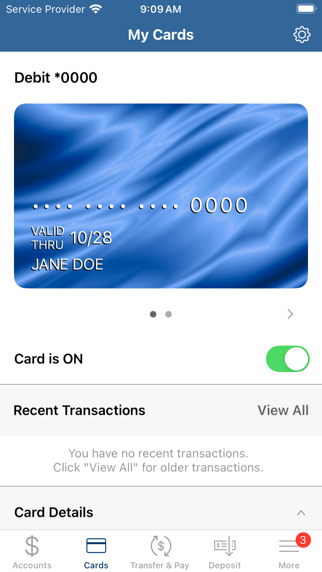
Manage accounts and check balances. View transaction history and set account alerts. Deposit checks by snapping photos and viewing deposit details. Schedule, edit, or cancel bill payments. Move money between accounts.
Start banking wherever you are with MyProvident Mobile™ from Provident Bank. View balances and recent activity, deposit checks, schedule and pay your bills, move money, and more. Simply use your existing Provident Bank Online Banking Sign-On ID to get started.
• Manage your accounts
• Check your balances
• View transaction history
• Manage account alerts
• Make check deposits
• Snap a photo and deposit from your mobile device
• View deposit details
• Pay Bills
• Schedule, edit, or cancel payments
• Move money
• Transfer between your accounts or
• Zelle® -- Send and Receive Money
• Find ATM/Branch Locations
You must be an existing Provident Bank customer enrolled in Online Banking in order to use this app. Not signed up yet for Online Banking? Go to www.myprovident.com, select Sign On near the top right and then select Enroll Online.
There is no charge for the app, however, your mobile carrier's message and data rates may apply.