Mackie Connect
Control levels, EQ, and FX wirelessly
Loud Technologies, Inc.
iPhone Screenshots


Description
Control mix levels, EQ, and FX settings wirelessly via touch. Adjust parameters from a mic stand, podium, or pocket. Demo software features before purchasing hardware. View mixer layout for quick adjustments.
Mackie Connect™ provides complete wireless control over your Mackie FreePlay™ Personal PA or Mackie Reach™ Professional PA System – allowing for adjustments of levels, EQ, FX and more – all right from your mic stand, podium or pocket.
Mackie Connect v2.0 also allows you to demo the software before deciding to buy a Mackie FreePlay or Reach!
Features:
* Intuitive multi-touch control over every mix function
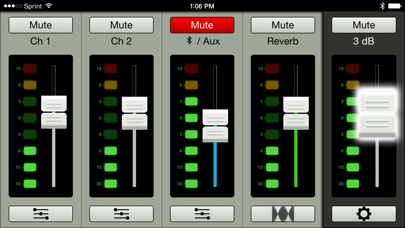
* Grow and Glow™ clearly shows controls being adjusted
* Mixer view allows fast adjustment of channel controls including level and mute, while also providing full input/output metering
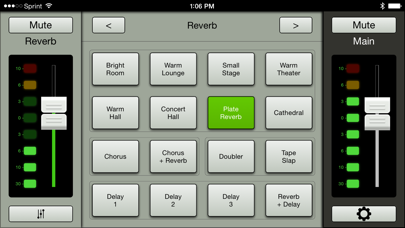
* Channel view gives control over 3-band EQ and FX send level
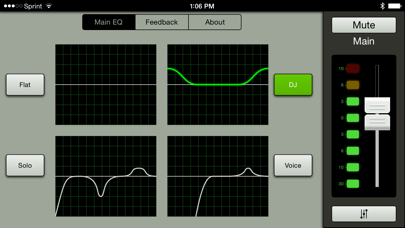
* System view provides control over additional features, like 4 different user voicing modes and a built-in Feedback Destroyer
* Three memory locations for instant venue setting recall (Mackie Reach only)
Requirements:
* Supports iOS 8.0 and later
* Supports iPhone 6+, iPhone 6, iPhone 5S, iPhone 5C, iPhone 5, iPad (4th generation), iPad (3rd generation), iPad 2, iPad Air 2, iPad Air, iPad mini 3, iPad mini 2 and iPad mini, iPod Touch (5th generation)
* Mackie Connect does not mix audio on its own; it requires a Mackie FreePlay or Reach to fully function