
iPhone Screenshots
Description
The application is to control different devices.We can through the following steps to control device.
1.Please connect WLAN WiFiERxxxxxx before openning App;
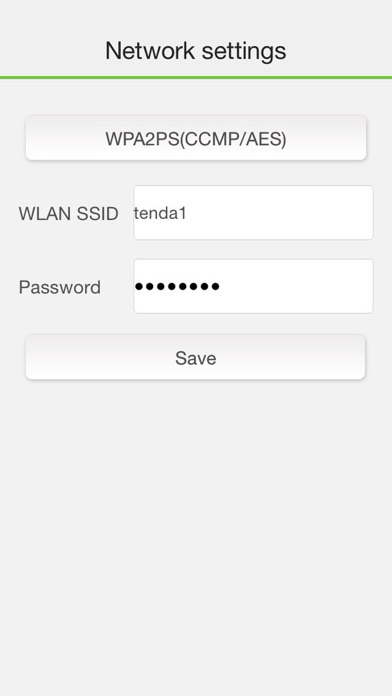
2.Input WLAN router SSID and password. The WiFiERxxxxxx will disappear after connection done;
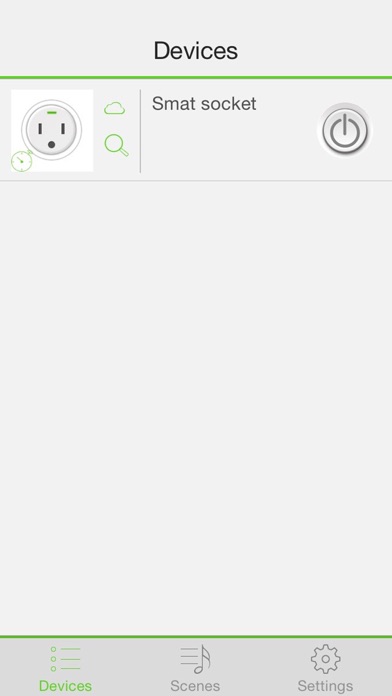
3.Another user in WLAN can find the device by app when finding device option is enable. And User can enable/disable remote access option or change remote access password to control remote security;
4.User can control devices in WLAN, and also can control devices remotely via internet.