
iPhone Screenshots
Description
Minimalistic, lightweight mod, s3m and xm module player (.it not supported)
(s3m with AdLib instruments not supported, neither is pre-1.04 xm format)
The PureModPlayer is EXTREMELY CPU and storage FRIENDLY! The app has very low power consumption (uses only native algorithms, no third-party routines or libraries!!). All imported files are compressed into an internal database, thus saving space on your device.
Main features include:
- fast, high quality mixing (up to 32 channels)
- realtime song seeking
- UTI support
- equal power panning for best stereo experience
- device-independent volume control (amplification)
- background audio playback support
- responds to remote control events (e.g. headphone controls)
- media player info integration
- automatic pause on audio interruption (when another application plays sound, e.g. Siri)
- seamless resume after quit
- automatic song length and sub song detection (not perfect sometimes)
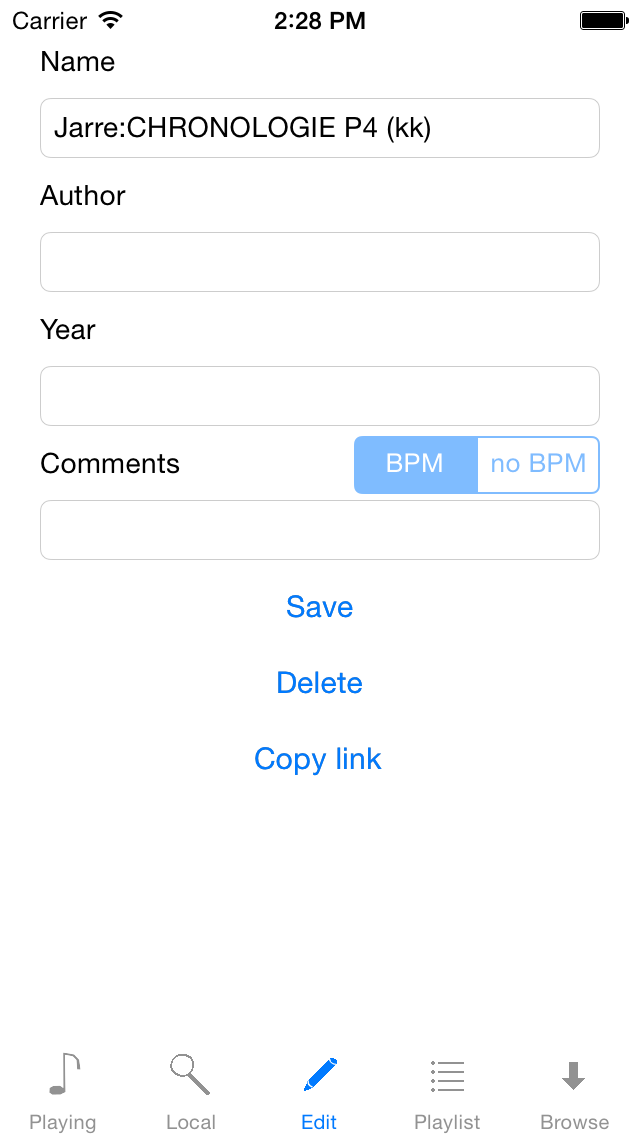
- customize the song names yourself
- disable BPM changes for some very old mod files manually to ensure proper playback
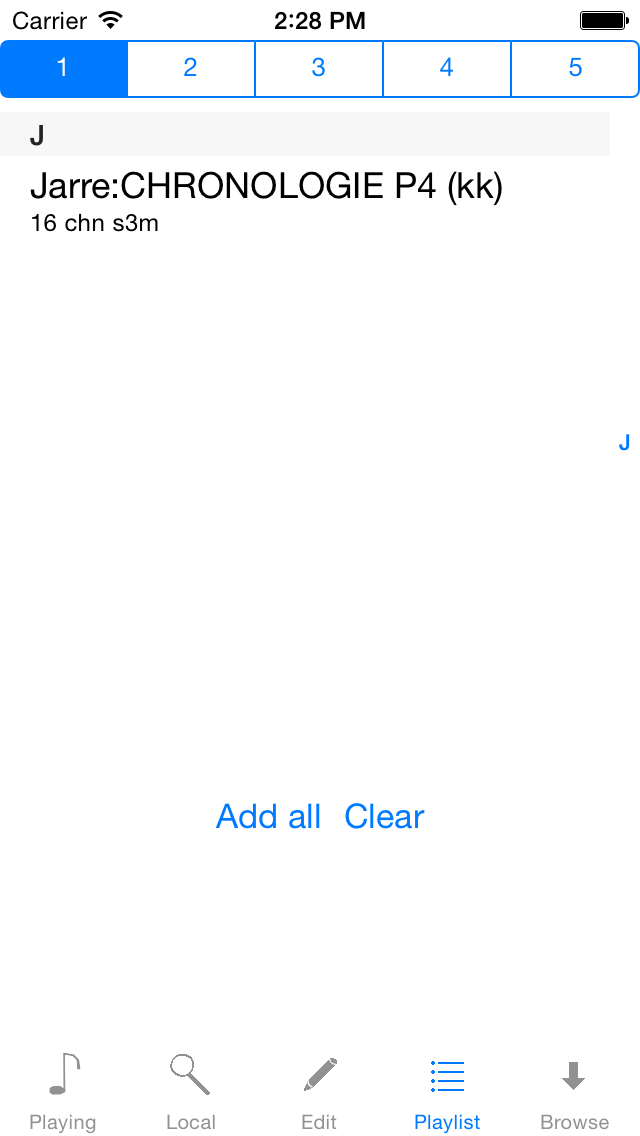
- up to 5 custom playlists (global shuffle mode can be toggled manually)
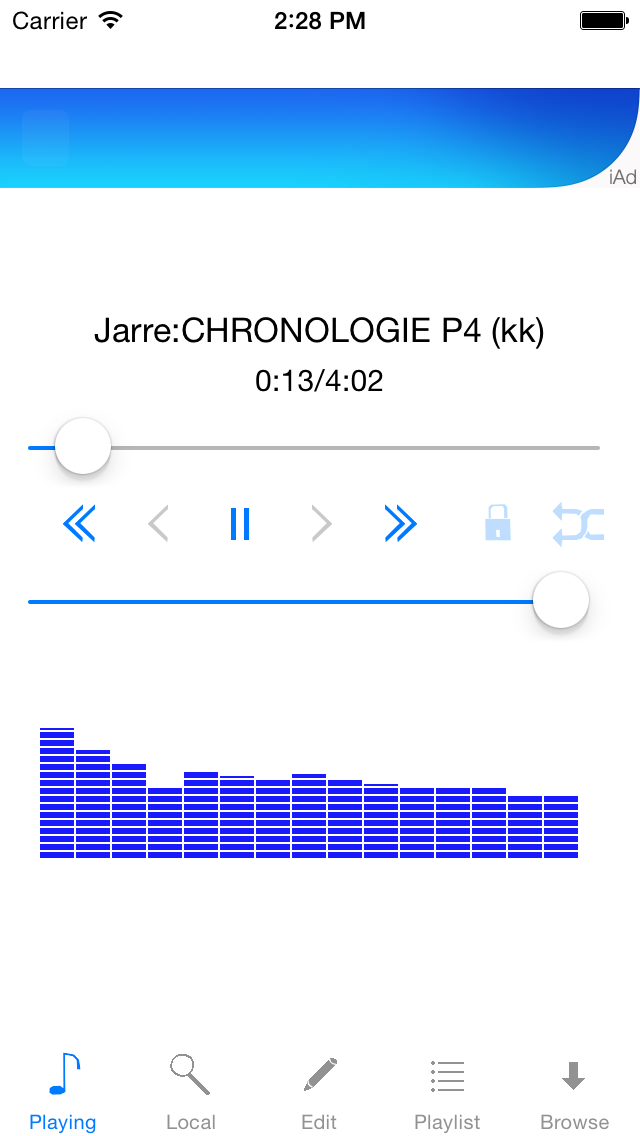
- pin current file for endless playback
- upload modules via iTunes (compressed zip files also supported and recommended, but only deflate method will work properly)
- automatic compression of files to save around 40% of storage space (this will take some time so patience is advised)
- two vis modes: instrument/sample text and spectrum (swipe bottom component); note that spectrum analyser may consume additional CPU time
- each module is identified using unique MD5 hash, so adding same files won't waste space on the device
- tested with up to 2.5K files (local list takes some time to load for the first time)
- no third party open source libraries used
Warning! Successfully imported files will be deleted from local device storage to save space (they will still remain in the internal app data directory).