
iPhone Screenshots

Description
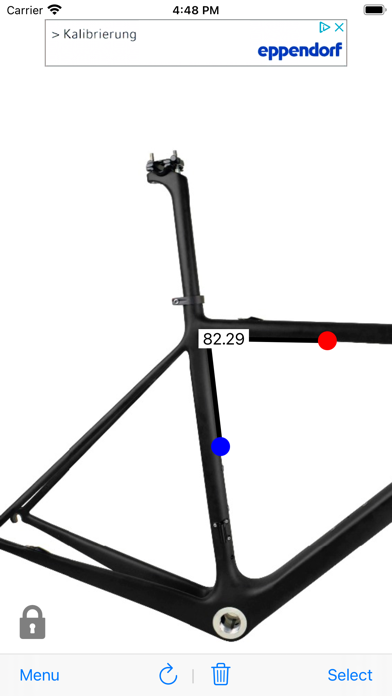
Angles In Photo app lets you measure an angle on a photo by simply marking reference points.
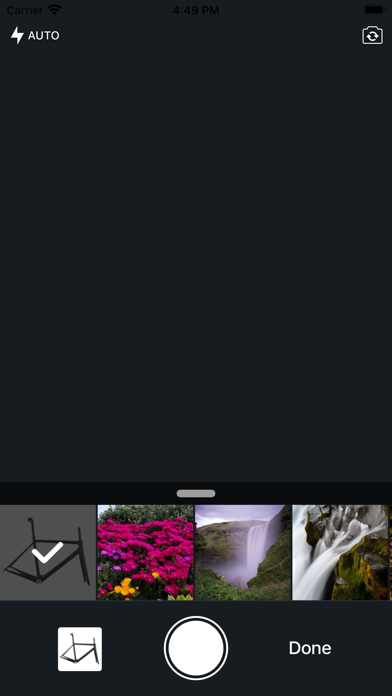
Select a photo from the library or take it from the camera, then put 3 reference dots by tapping on related places. You'll see the angle in degrees.