
Be Focused – Focus Timer
Create tasks, set breaks, stay
Denys Ievenko
iPhone Screenshots


iPad Screenshots




Description
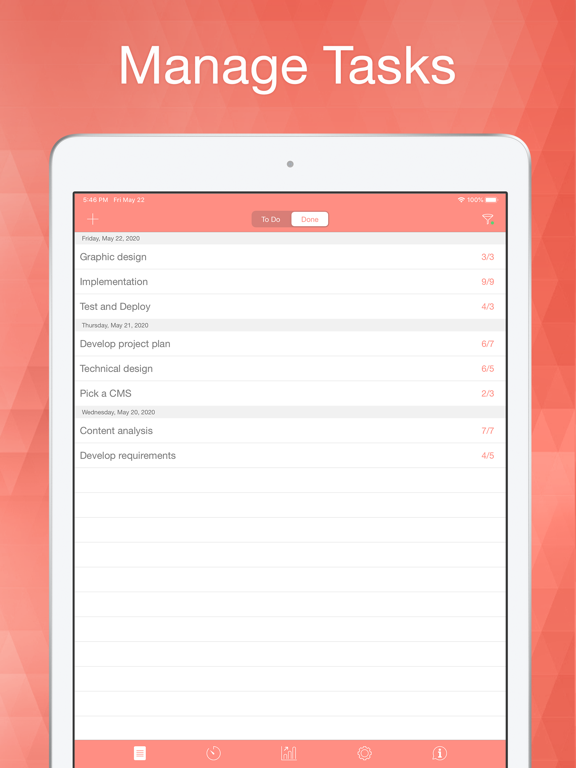
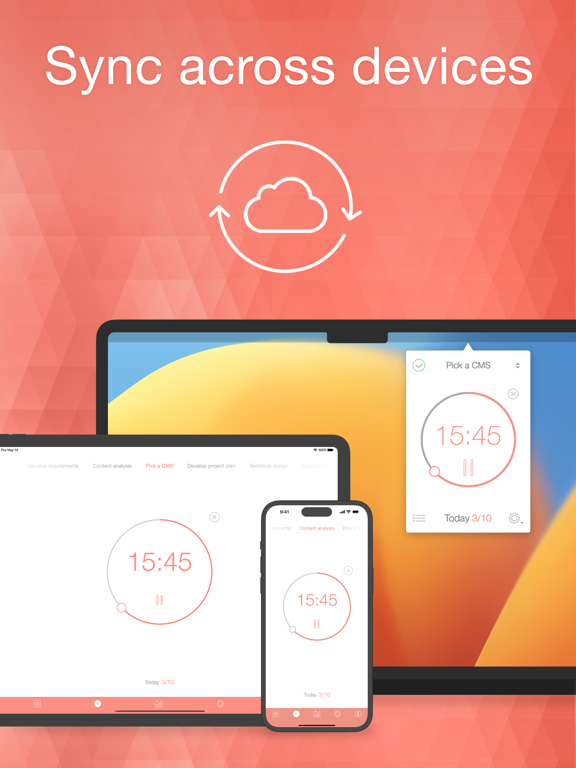
Create and manage tasks with detailed notes. Set intervals and breaks between tasks. Track progress over days, weeks, or custom periods. Sync across iPhone, iPad, and Mac devices.
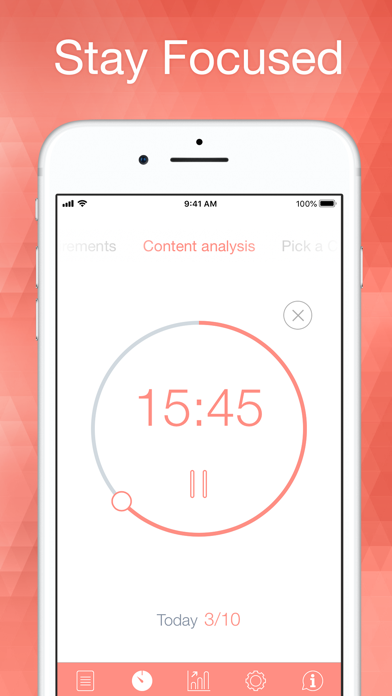
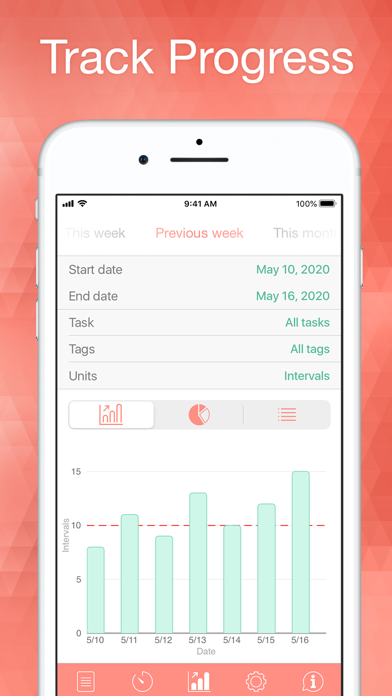
Staying on task seems is a real challenge for our screen-bound generation. The Be Focused lets you get things done by breaking up individual tasks among discrete intervals, separated by short breaks. It’s a surprisingly effective way to retain motivation and focus. Create tasks, configure breaks and track your progress throughout the day, week or custom period. Use Be Focused on your iPhone, iPad, or Mac — everything stays perfectly in sync.
Task Management
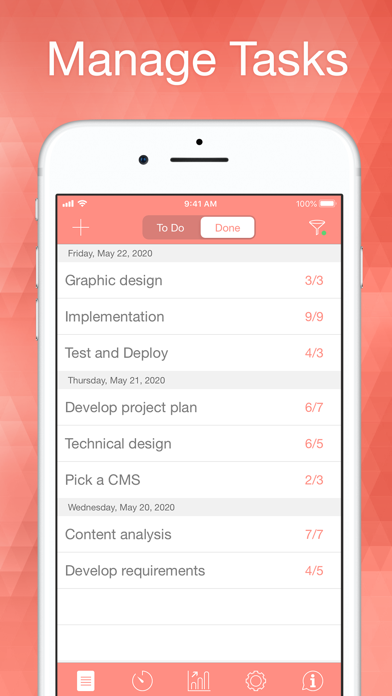
• Create and manage tasks
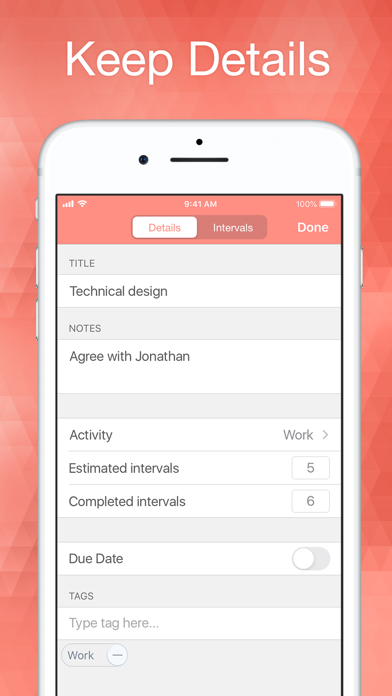
• Add notes and due dates to tasks
• Organize tasks with tags and filters
• Paste task lists from other apps
Timer Control
• Start, pause, or skip intervals
• Auto-start the next interval (optionally)
• Plan intervals needed for task completion and track accuracy
• Manage completed intervals
Timer Customization
• Set durations for work sessions, short and long breaks
• Define number of intervals before a long break
• Set a daily goal for completed intervals
• Assign different timer settings to individual tasks
Reports
• View detailed reports to monitor your progress
• Export your data in CSV format
Sounds and Notifications
• Chronometer ticking sound with adjustable frequency
• Variety of alarm sounds
• Interactive notifications
• Adjustable volume for alarms and chronometer
Integration
• Sync across all your devices (iPhone, iPad, Mac)
• Integration with Focus Matrix to manage tasks using urgent/important principle *
• Integration with Shortcuts app to automate workflow
Quick Access
• Widgets for Lock Screen and Home Screen
• Live activities for Lock Screen and Dynamic Island
• Control to start or stop the timer from the Lock Screen, Controls Center, or Action Button
Automation
• Integration with Shortcuts app (control tasks and timers via Shortcuts app)
• Automate Shortcuts execution on events in Be Focused app
Device Support
• Apple Watch support
• Also available for Mac
• Dark and Light mode support
Pro Version Features
• Single purchase unlocks Pro on iPhone, iPad, and Mac
• Sync across all your devices
• Tags and filters to organize tasks and maintain focus
• Integration with Focus Matrix to manage tasks using urgent/important principle *
• Shortcuts execution on events in Be Focused app
• Export data in CSV format
• No banners, no ads
Be Focused is free to download and use forever. However, if you want to access the Pro features on all your iPhones, iPads, and Macs, you can upgrade to the Pro version. The Pro subscription comes in three different options: Monthly, Yearly with a 7-day trial, and Lifetime (one-time payment).
Payment will be charged to your App Store account and will automatically renew unless auto-renew is turned off at least 24-hours before the end of the current period. Subscription may be managed and auto-renewal may be turned off in your App Store account settings.
Privacy Policy: https://xwavesoft.com/privacy-policy.html
Terms of Use: https://xwavesoft.com/terms-of-use.html
* Integration with Focus Matrix requires the Pro version of Focus Matrix, sold separately.
App information from Apple App Store. Be Focused – Focus Timer and related trademarks belong to Denys Ievenko.