
iPhone Screenshots
Description
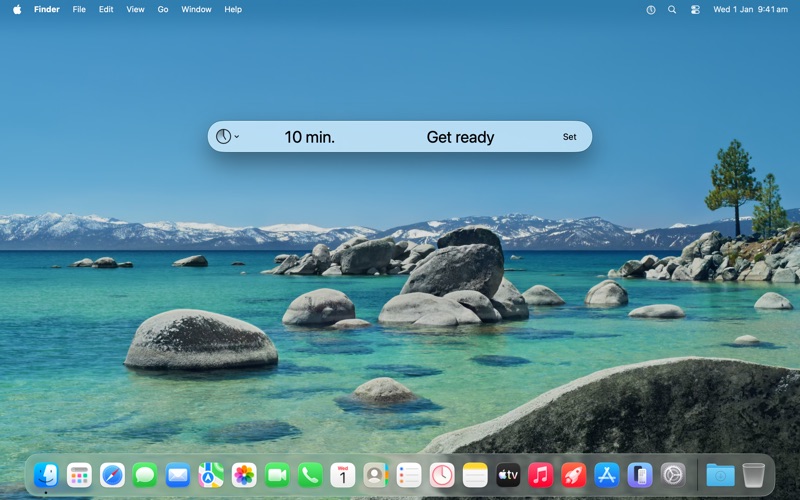
Quickly is for those times when you don’t need a to-do application to set a reminder.
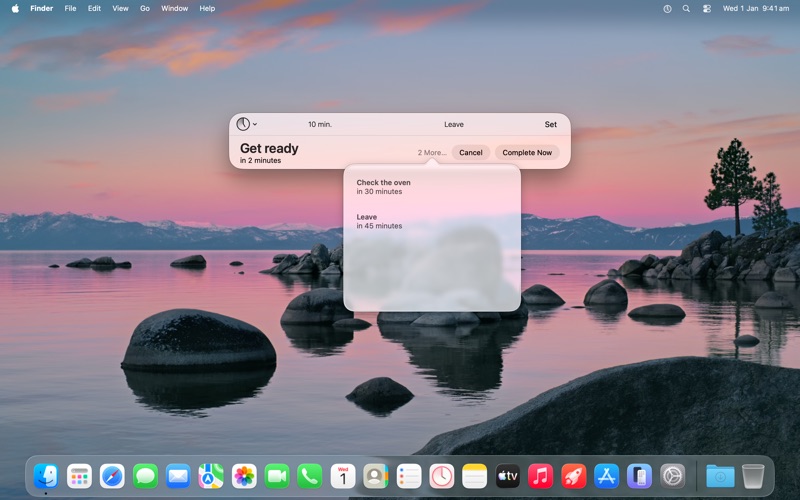
Bring it up, set a time with an optional message, then get back to what you were doing.
Features:
• A fast, clear and familiar interface that gets out of your way.
• Use h/m/s abbreviations to specify a relative time, e.g. 3m 30. Or use colon notation such as to specify a time of day, e.g. 6:30. When you’re done, the time becomes a clear, easy-to-read format.
• Make minor adjustments to the time with the up & down arrow keys, and by 10-minute increments by holding the Command key.
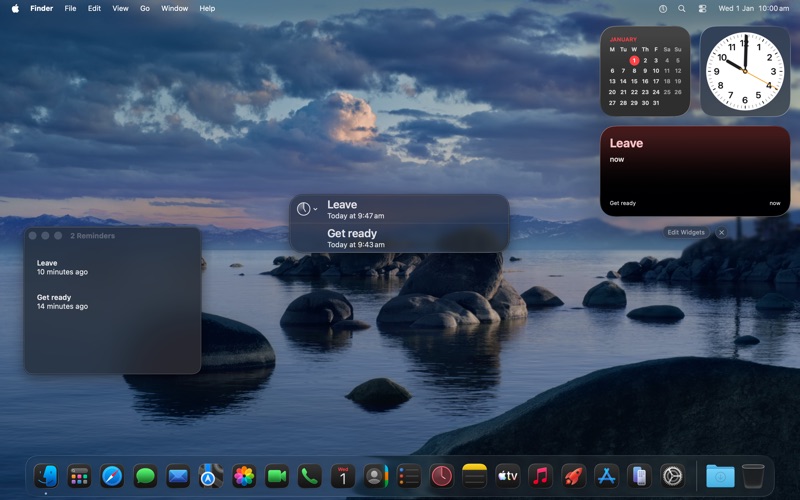
• Keep track of multiple reminders in a way that best suits your workflow, using a popover, window, or widget.
• Activate Quickly using the app icon, the menu bar or a system-wide keyboard shortcut.
• Use a system alert sound, or add your own.
• Supports dark mode.
A single in-app purchase adds more features:
• Integration with the Reminders app to have Quickly reminders across all of your devices.
• Keep frequently-used reminders as favourites, and set using numbered keyboard shortcuts.
• Select favourites and recents from the menu bar.
• To get your attention, you can choose to show the reminder in a dedicated alert window instead.
• Automate Quickly with the Shortcuts app or AppleScript.