
Simple-Solitaire
Play Klondike Solitaire with one-tap moves
KENTA OKAMURA
iPhone Screenshots
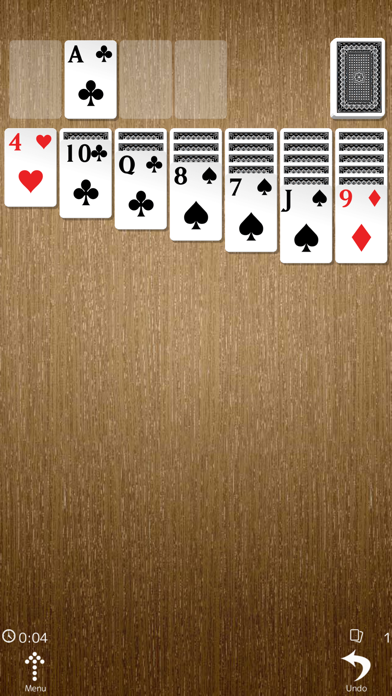
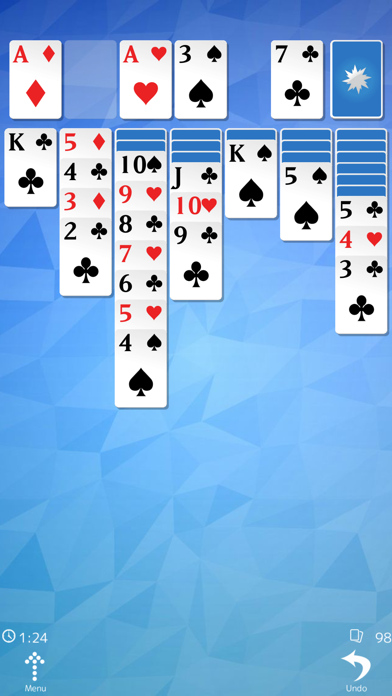
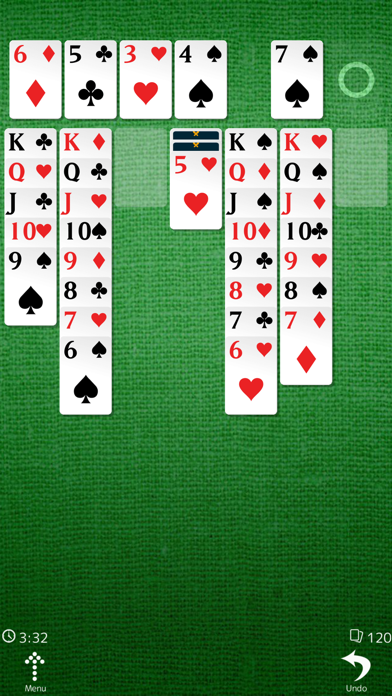
Description
Play Klondike Solitaire by moving cards with one tap and using an optional button. Stack cards alternately by color and move kings to empty columns. Send all cards to the home cell to win. Turn cards to reveal hidden ones.
A simple and smooth version of the classic card game, Klondike Solitaire, optimized for smartphones!
Enjoy the familiar classic Solitaire experience with controls designed for comfortable smartphone play.
Move cards with a single tap and use convenient assist buttons for an even smoother experience. Perfect for a little brain training while commuting, waiting, or whenever you have a few minutes to spare!
How to Play:
In Klondike Solitaire, the goal is to move all the playing cards to the Foundation piles in order from Ace to King.
On the tableau, cards can be stacked in descending order while alternating between red and black. Only a King can be placed in an empty column.
Draw new cards from the stock, uncover face-down cards, organize the tableau, and move all the cards to the Foundations to win.
Tips:
* Prioritize columns with many face-down cards and try to uncover them as early as possible.
* Use cards from the stock when they allow you to make a useful move, or when you have no other moves available.
* If the initial layout leaves you unable to uncover even a single card, starting a new game may be the best choice.
* You can enable an optional button for drawing cards from the stock, so you don't have to reach all the way to the edge of the screen every time.