
Caustic Editor for Volca Sample
Record and edit audio samples
Rejean Poirier
iPhone Screenshots
Description
Edit audio files using waveform editing tools. Import and export WAV files via AudioShare, AudioCopy/Paste, or iTunes. Record and manipulate samples for KORG . Apply real-time effects and preview before stamping.
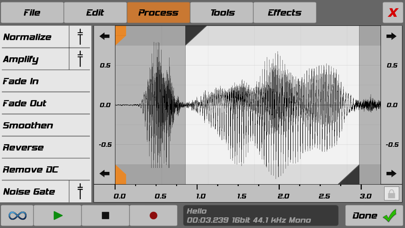
Use Caustic's powerful waveform editor to import, load, record, edit and upload samples for use with your KORG Volca Sample device.
Features:
- Audiobus compatible (receiver)
- AudioShare compatible (import/export)
- AudioCopy/Paste compatible (import/export)
- iTunes file sharing support
- Open In... support for .wav files.
- Supports any uncompressed, mono or stereo WAV, at any sampling rate or bit depth.
- Apply any of 16 of Caustic's effects and preview them in real-time, then stamp down and apply more.
- Process waveform audio with Fade In/Out, Normalize, Amplify, Reverse operations and more.
- Use Caustic's C-SFXR to generate retro video game samples.
- Trim audio precisely, down to individual samples.
- View the frequency spectrum of your audio.
Volca sample-specific features:
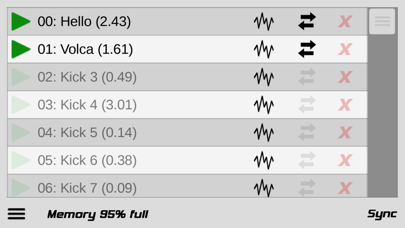
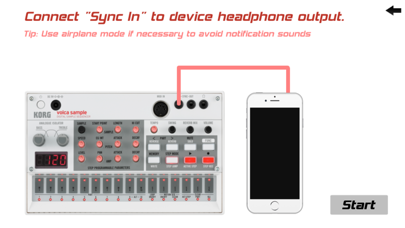
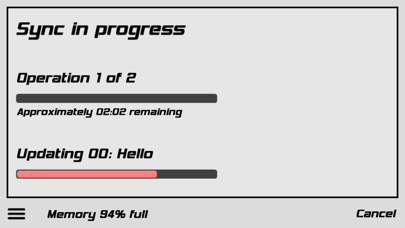
- Upload to any of the 100 sample slots
- Clear all samples
- Restore factory samples
- Monitor device memory
This is not an official KORG app, it is made by Rej Poirier / SingleCellSoftware using the KORG volca sample SDK.
Visit www.singlecellsoftware.com for a free desktop (Windows/Mac) version too.