
iPhone Screenshots
Description
iLove Photos Cleaner is mainly designed to help you manage and organize your photo collection effectively by finding and removing all unnecessary duplicate photos on your Mac. This app doesn’t require much time to understand how it works, only a few clicks will recover gigabytes of your disk space.
How to use:
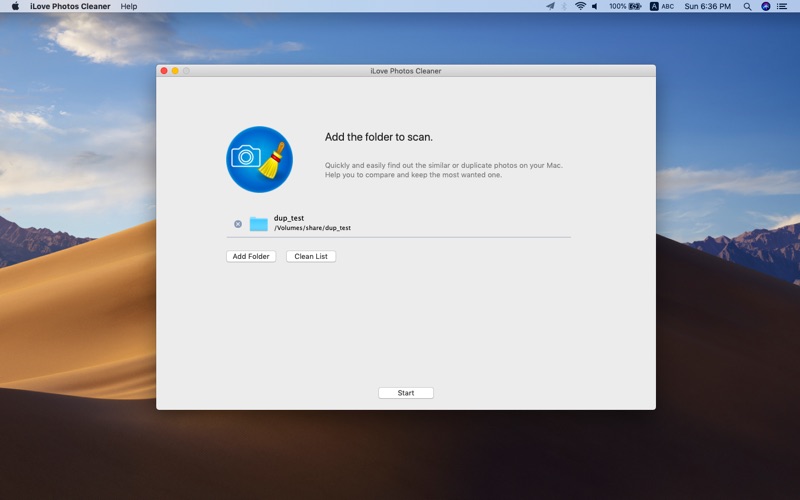
1.Launch iLove Photos Cleaner, click the “Add Folder” button to select a photo/picture folder on your computer.
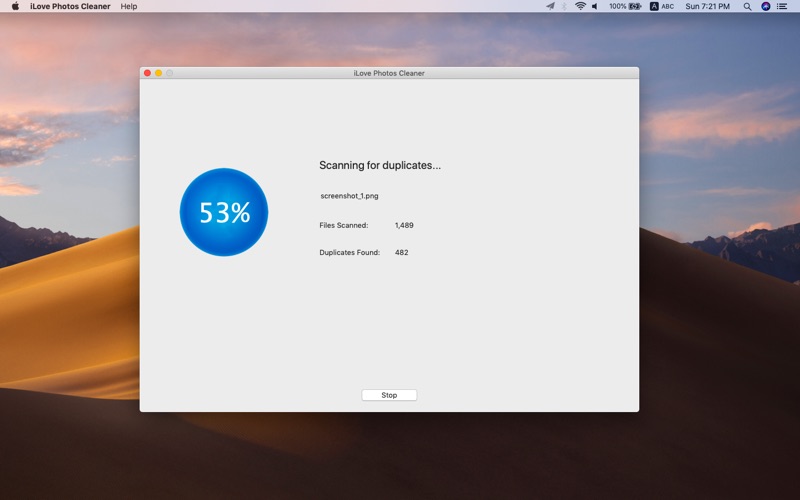
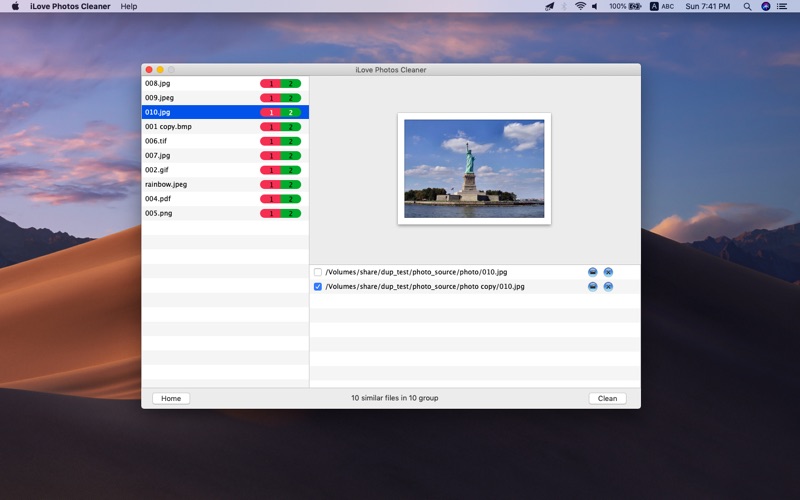
2.Go “Start” to scan, the program will detect and display the result.
3.It will automatically select the duplicate photos, you can also choose or unselect manually to clean.
Key Features:
* Support detect/remove the most popular image file formats.
* Manage your photos collection effortlessly.
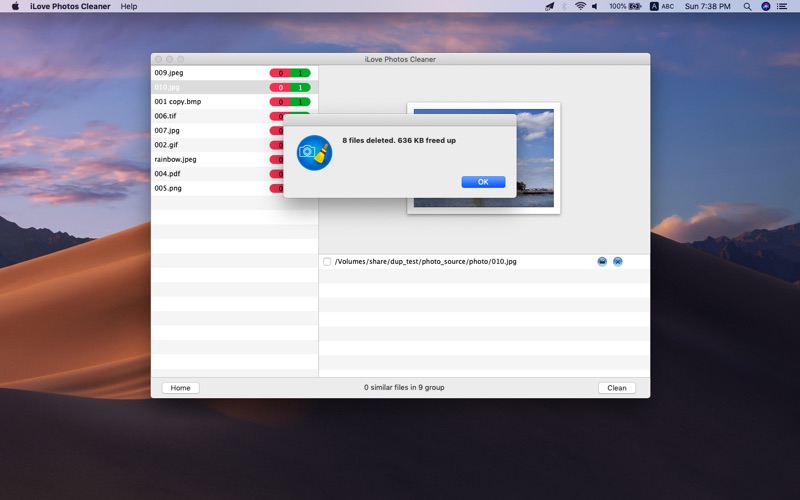
* Recover wasted disk space easily by cleaning all duplicate photos.