
iPhone Screenshots
Description
Enable swipe gestures for faster typing. Activate the via the on-screen guide. Allow open access for sound and additional features. No user data is collected. Disable activation guide during setup.
- To dismiss the keyboard activation guide in launch of Dingul Hangul Keyboard, just follow the guide and activate the keyboard.
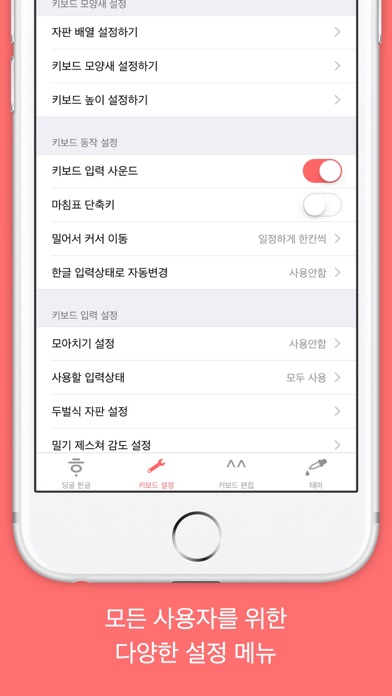
- To play keyboard sound and cherish additional functions Dingul Hangul Keyboard offers, 'Allow Open Access' option should be turned on. Dingul Hangul Keyboard NEVER collect users' privacy information with extended authority.
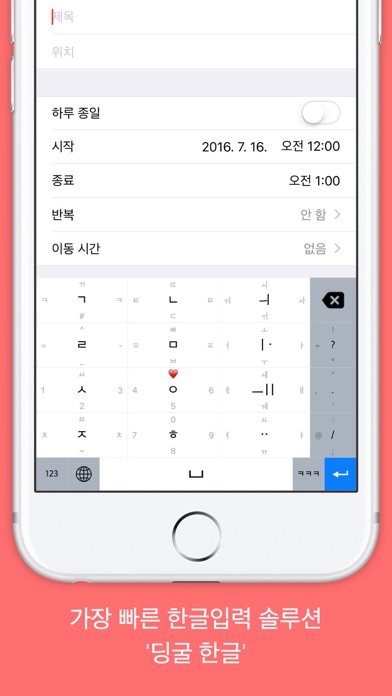
Dingul Hangul Keyboard is an ultimate Hangul keyboard that maximizes typing speed with deeply integrated swipe gestures.
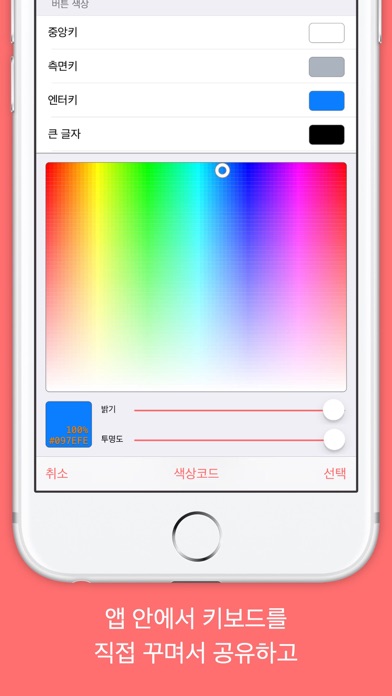
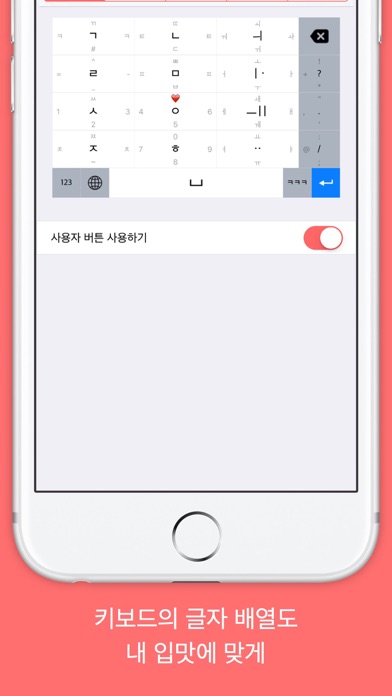
Privacy Policy: Any private information or any key stroke user has typed are NOT slipped out of iPhone and iPad and transferred to developer. 'Allow All Access' option is essential ONLY for extended features such as customizing keyboard.