
iWord Processor
Edit documents, convert files, record memos
Myrtha Murat-Vernous
iPhone Screenshots

Description
Create and edit Word documents in .doc and .docx formats. Open and convert spreadsheet and PowerPoint files to PDF. Record audio memos directly within Word documents. Replay recorded audio alongside text. Sync with Microsoft Office applications.
40% OFF HOLIDAY SALE FOR LIMITED TIME ONLY!!!
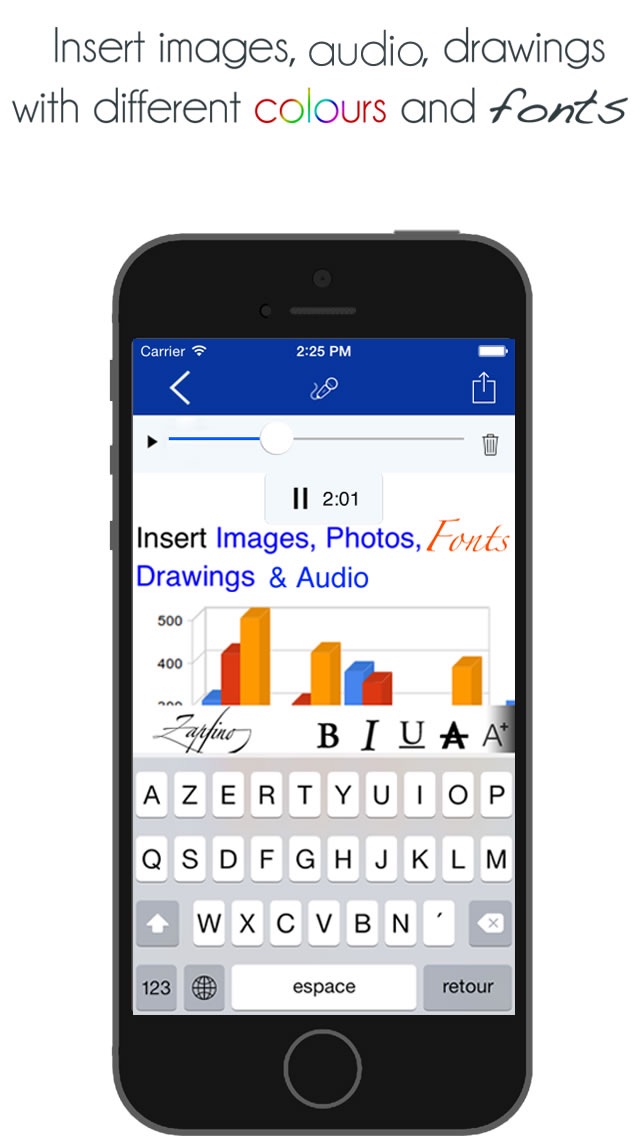
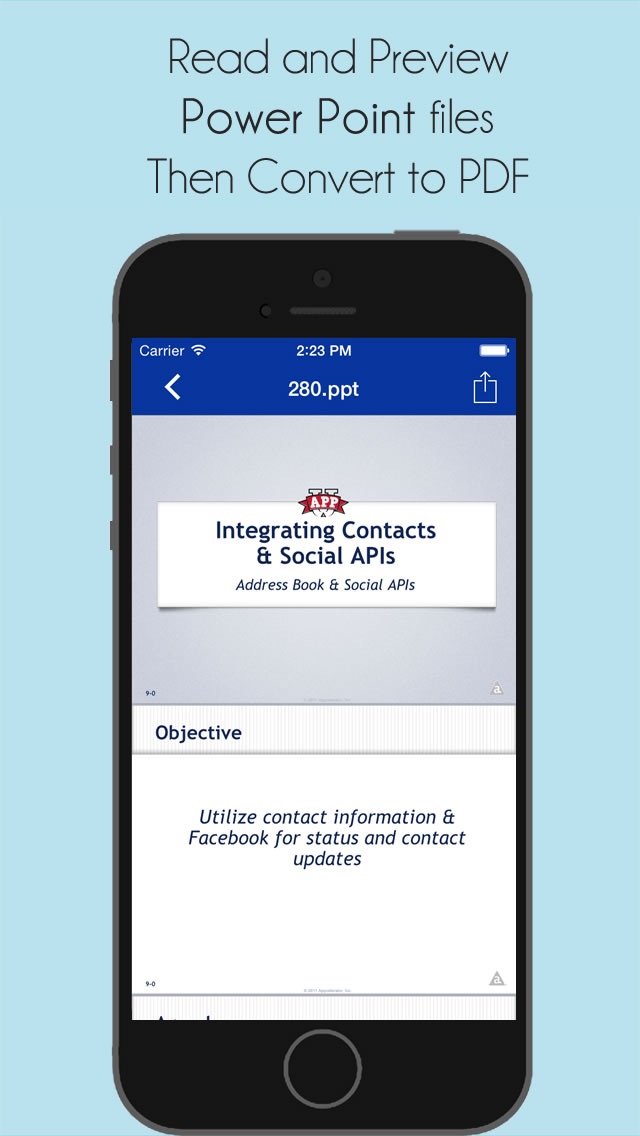
Word Processor is a powerful Word processor that allows to create and edit Word documents (.doc & .docx) format files on your iPhone/iPad. Also read Spreadsheet and Power Point files then convert to PDF. More importantly you can record audio memos directly in a Word document.
"The only Word Processor that has an embedded audio recorder that allows you to write word document then replay the text as audio anytime".
- Create Microsoft Office Word Docx 2007/2010
- Create Microsoft Office Word Docx 2000/2004
- Create Advanced Rich Text compatible to Open Office, Pages and Microsoft.
- Convert Word to PDF and PDF to Word.
- Convert all Microsoft files format to PDF
- Voice dictation
- Audio files as stand alone or imbedded in documents
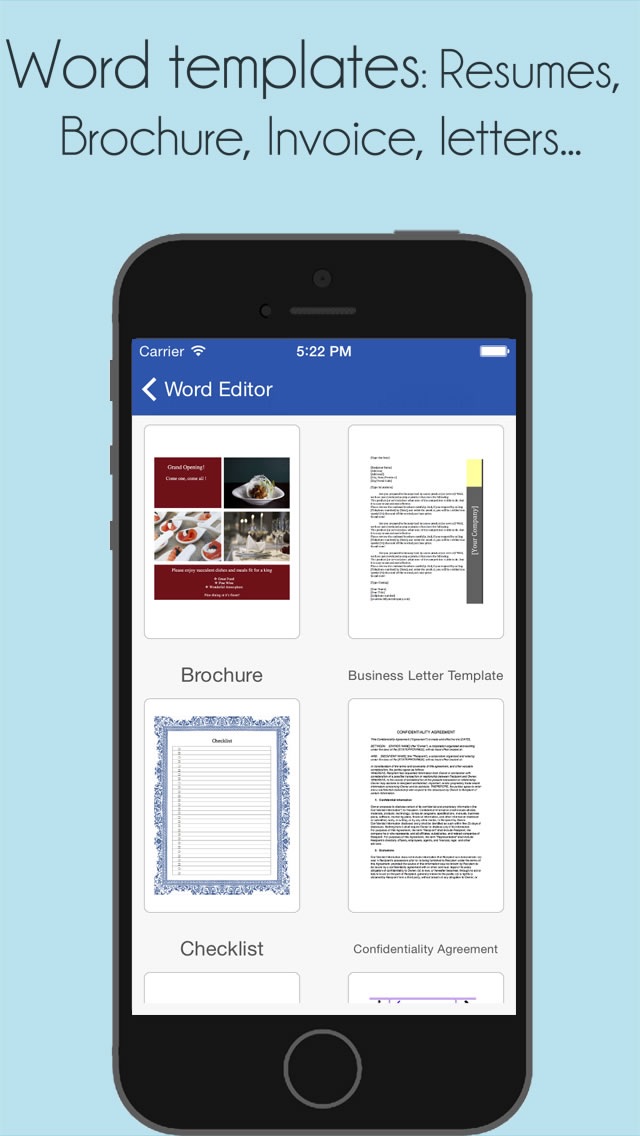
- Templates such as: Brochures, Bill of Sale, Checklists, Resume,
- Time Sheet, Posters
- Compatible with iPhone and iPad
- Portrait and Landscape modes
- Online and offline abilities
- Email documents and audio files
- Compatible with PC/Mac
- Password protection
- Free future updates
RICH-TEXT FORMATTING includes:
- Various font sizes, styles and colours
- Bold, italic, underline, highlight
- Indent
- Bullets and numbers
- Text alignment
- Subscript/superscript
- Redo/undo
SHARING
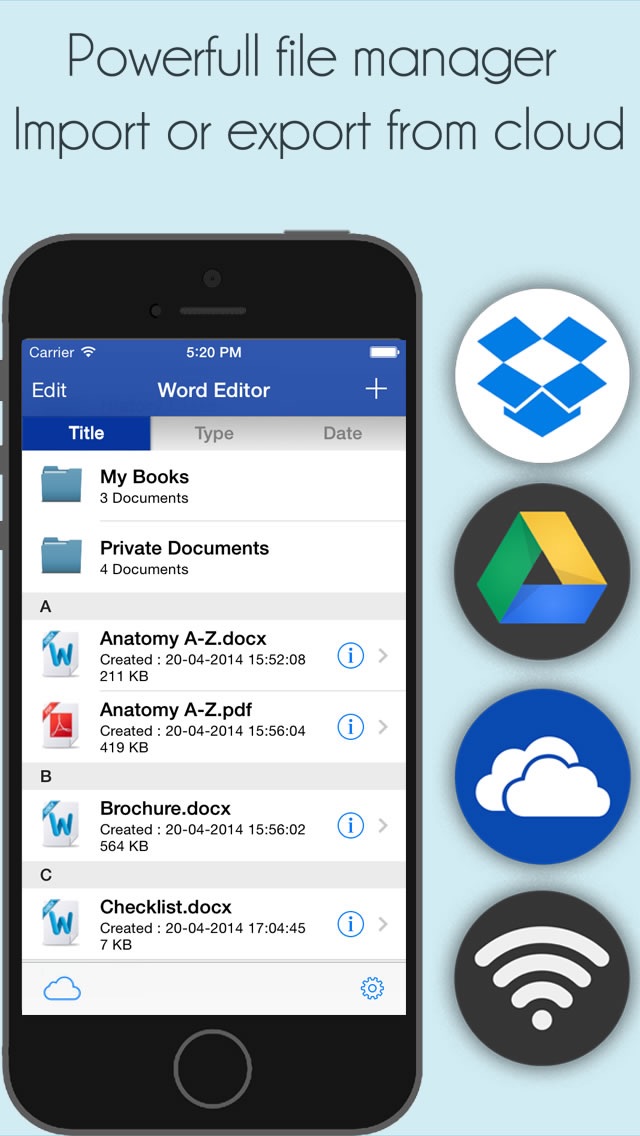
- Sync using Dropbox, Google Drive, OneDrive
- Export and email all file formats: DOCX, PDF, TXT, XLSX, PPT, MP3, JPEG and HTML.
- “Open in” other applications
HANDWRITTEN AND AUDIO NOTES