iPhone Screenshots


Description
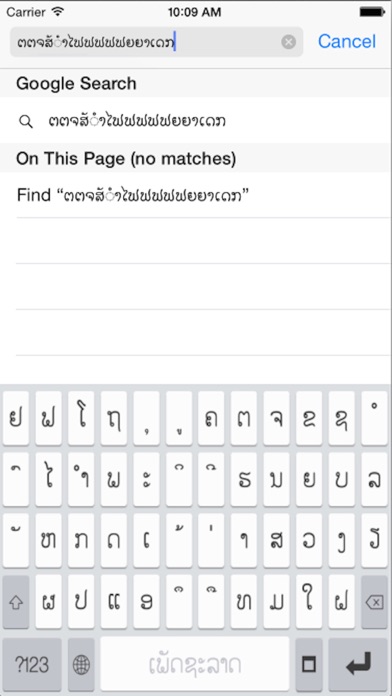
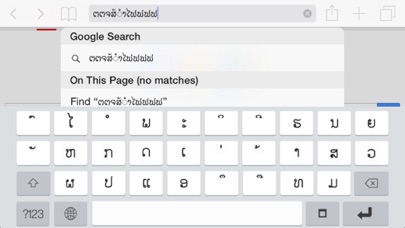
The app provides a custom keyboard for iOS devices, enabling users to type in Lao across various applications. It supports multiple keyboard layouts and orientations, allowing easy switching between Lao and default keyboards.
Process of Using Lao Keyboard
1. Go to Setting -> General -> Keyboard
2. Press Keyboard -> Add New Keyboard
3. Choose Lao Keyboard
Description
Lao keyboard is a custom keyboard for iOS 8, is a keyboard that allows user to type Lao on any apps of iPhone and iPad.
Feature:
− Provide Lao keyboard with 3 rows and 4 rows layouts
− Supports both portrait and landscape orientations
− Allows user to switch back and forth between Lao keyboard and default keyboard
− Free!
Supported devices: iPhone 4S, iPhone 5, iPhone 5S, iPhone 5C, iPhone 6, iPhone 6 Plus, iPad 2, iPad 3, iPad 4, iPad Air, iPad Mini, iPad Mini 2
Copyright @ Ministry of Posts and Telecommunication, Government of Lao PDR.
Viettel Group
All rights reserved.