
iPhone Screenshots


Description
Alco Remote Deposit
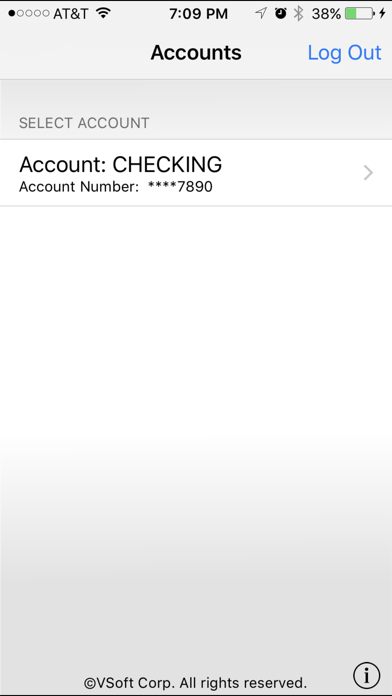
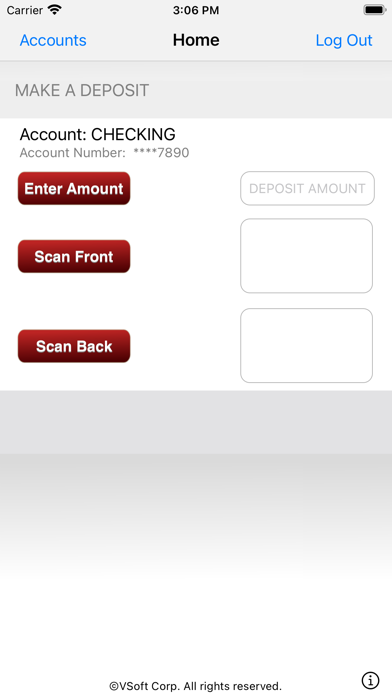
Download our Alco Deposit app and you can deposit checks using your phone! It’s as simple as snapping a picture of your check:
1. Open Alco FCU’s Alco Deposit app
2. Select “Deposit Check”
3. Take photos of the check, front and back
4. Approve the transaction
5. Get your confirmation and you’re done!
Ready to start? Give us a call at 1-585-593-4959 to enroll.
You may be charged for data access by your mobile carrier. Check with your carrier for details on specific fees and charges. Some restrictions apply; not everyone will qualify for enrollment. Please retain check for 45 days before shredding.