iPhone Screenshots

Description
iReemo Plus® PC / TV BOX Multimedia Controller (Bluetooth 4.0). Transform Your Smartphone into TV BOX Controller / Keyboard / Touch Pad / Air Mouse in just one second !
How to use?
1. Get a iReemo Plus Dongle !!!
2. Just plug it in target device
3. Open iReemo 2 for TV BOX APP
4. Connect the bluetooth between smartphone and iReemo Plus
5. Start to remote your TV BOX !
iReemo Plus® is very easy to use. Just plug it in target device, you can use the app control the target device instantly. No Driver installation needed! Your smartphone is your remote.
Feature:
*iReemo Plus® PC / Android TV Multimedia Controller (Bluetooth 4.0) NEEDED
*Plug & Play, No Driver Installation Needed
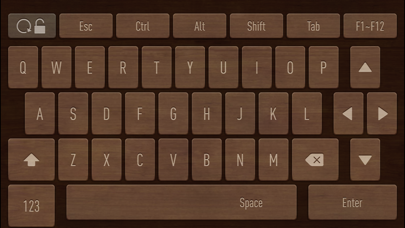
*QWERTY Keyboard Function in APP
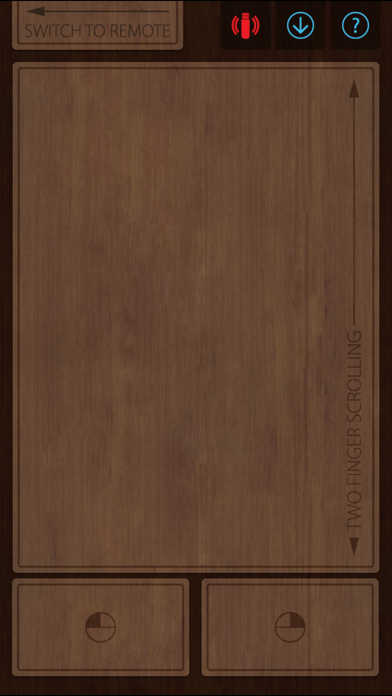
*High Sensitive Touchpad Function in APP (Support Two Finger Scrolling, Double Click, Dragging)
*Up to 100 feet (30 meters) wireless range (Big Antenna!)
*Air Mouse Function