
iPhone Screenshots

Description
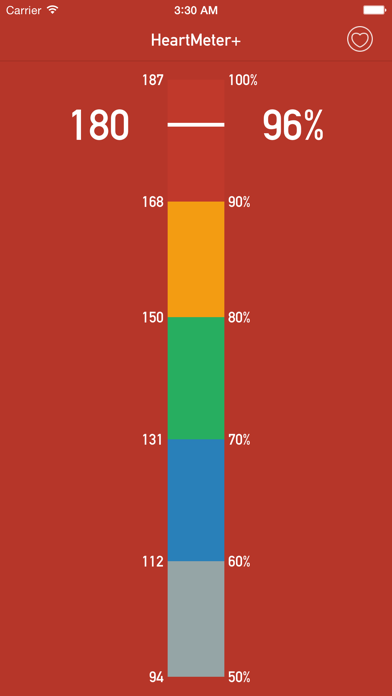
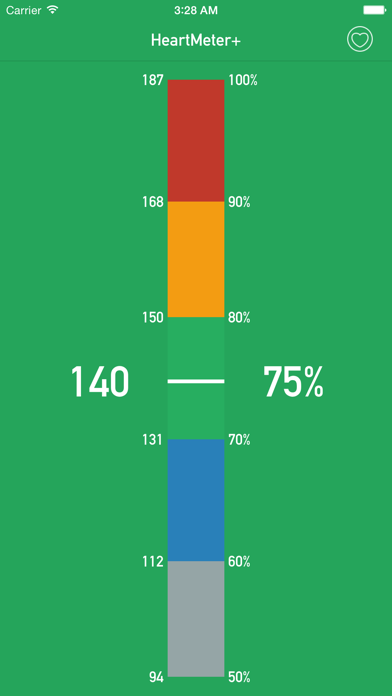
HeartMeter+ is a beautifully designed heart rate indicator. Along with a bluetooth heart rate monitor, you can use HeartMeter+ to visualize how hard your heart is working during exercise. HeartMeter+ displays your current heart rate in beats per minute, and also as a percentage of your maximum heart rate. With a quick glance, you can easily see your current training zone, and adjust your workout if needed.
HeartMeter+ is great for running, cycling, mountain biking, or any other cardiovascular exercise.
Maximum Heart Rate
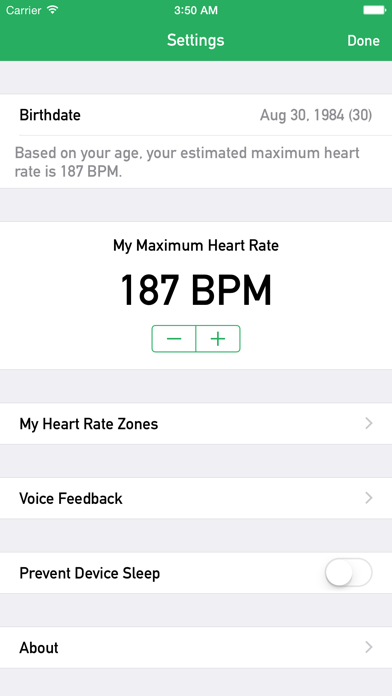
HeartMeter+ will estimate your maximum heart rate based on your age. Maximum heart rates vary significantly between individuals, so HeartMeter+ allows you to set your maximum heart rate.
Custom Heart Rate Training Zones (In-App Purchase)
Customize your training zone ranges, zone names, and zone colors.
Voice Feedback (In-App Purchase)
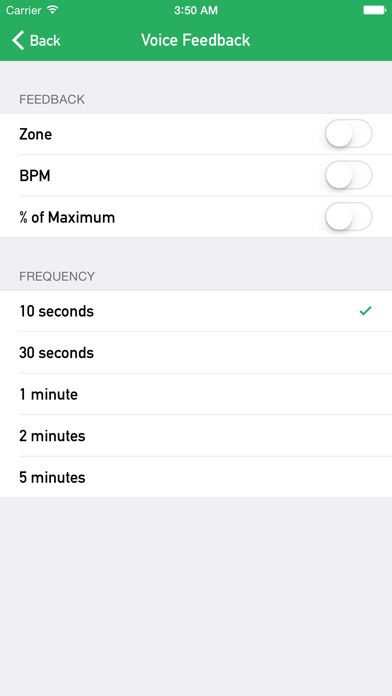
Get periodic voice feedback during your workout. HeartMeter+ can dictate your current zone, heart rate, and % of maximum. (Note: Voice Feedback currently only works when the app is in the foreground with the screen on.)
HeartMeter+ integrates with Apple's Health app. The Health app provides HeartMeter+ with live heart rate data originating from your bluetooth heart rate monitor. HeartMeter+ also requests access to your birthdate stored in the Health app in order to calculate your estimated maximum heart rate.
Before you use HeartMeter+, connect your bluetooth heart rate monitor to your iOS device. While you are wearing your heart rate monitor, go to iOS Settings > Bluetooth, and then select it from the list once it is discovered by iOS.
HeartMeter+ is intended to be used with a bluetooth heart rate monitor. If you do not own a bluetooth heart rate monitor, you may not find this app to be very useful.