
iPhone Screenshots



Description
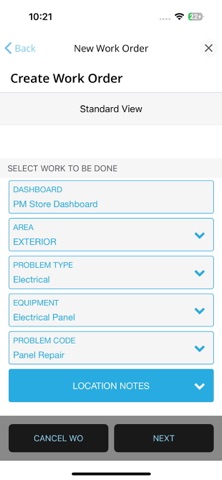
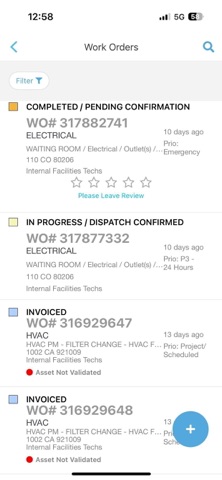
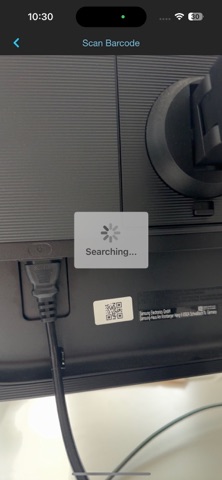
Create, search, and edit work orders with tracking numbers, work order numbers, purchase order numbers, or location keywords. Reassign work orders and filter by status. Edit details like status, priority, and schedule.
Create, search, and edit Work Orders anytime from anywhere to minimize the time required to get your WOs completed. Proposal review and actions on the fly. Conduct on-site inspections of your locations with Site Audit Manager.
Search Work Orders By:
• Tracking Number
• Work Order Number
• Purchase Order Number
• Location Keyword
Reassign Work Orders
Filter Work Orders by Status
Exclude/Include Supply and Maintenance Categories in any list
Edit Work Order Details:
• Status
• Priority
• Schedule Date
• Trade
• Provider
• NTE
• Purchase Order Number
• Description
• Category
- Notes
- Photos and Attachments
Proposals
• Approve
• Reject
• View Details
• View Photos and Attachments
• On Hold
• Assign
Site Audit Manager
Simple and thorough capture & centralization of actionable intelligence on location and equipment condition. Ensure consistent and comprehensive location audits, by anyone, through
• Rapid, on-site capture of facility condition
• Cross audit decision support
• In-audit submission of work orders
• Conduct audits for facilities, safety, loss prevention, construction punch lists, etc
• No auditor training required
Please Note: Site Audit Manager requires an additional license.