
iPhone Screenshots




Description
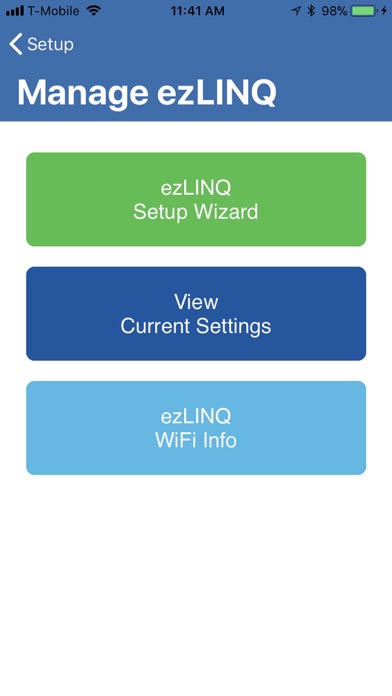
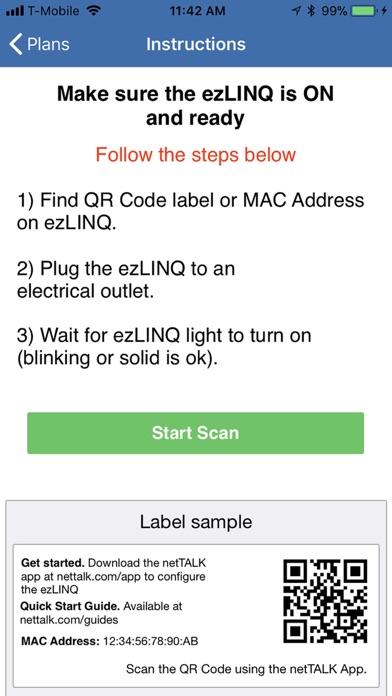
Set up and reconfigure ezLINQ to connect to a WiFi network. Share the WiFi network with others via QR code. Manage network settings directly from an iOS device without needing a computer.
Use this free app to set-up your new netTALK ezLINQ to your home/office WiFi network using your iOS device.
//Benefits:
No computer required - just use your iPhone or iPad to setup the ezLINQ
Quickly connect your ezLINQ to your WiFi network using your iPhone or iPad
Quickly use this app to reconfigure the ezLINQ at any time. For example, changing the Wi-Fi connection that your ezLINQ uses.
Use this app to share your ezLINQ WiFi network with others with a QR Code for ease and convenience.
Use this app to directly message our support team and specific support documentation.
//The ezLINQ
The ezLINQ includes one month of netTALK’s NexGen VoIP Phone Service. Make crystal clear calls over the Internet using any standard handset phone.
Portable & Compact - Ideal for Home/Office and Travel Use.
Built-in Power Adapter - Double insulated for safety. No Bulky Adapter Needed.
Versatile USB Port - Share files on the network or charge your phone.
Advanced Voice Tech - Adaptive noise reduction. Echo cancellation.
WiFi Enabled - Connect ezLINQ via WiFi or Ethernet cable.
Fax Friendly - Real time FAX over Internet Protocol
USB Media Streaming - HD Streaming to any supported device
//ezLINQ Tech Specs
802.11n b/g/n (300 Mbps)
1 Phone port
1 USB 2.0 Port
1 LAN Ethernet port
1 WAN Ethernet port **modem may be required
Dimensions: 3in x 3in x 1in (75mm x 75mm x 25mm)
Required for setup:
iOS device
netTALK Setup App
High-Speed Internet Service
Handset phone