
iPhone Screenshots


Description
To use this application, the Device Manager NX Pro/Enterprise server software is required. For customers who wish to use this, please contact your nearest RICOH subsidiary or distributor.
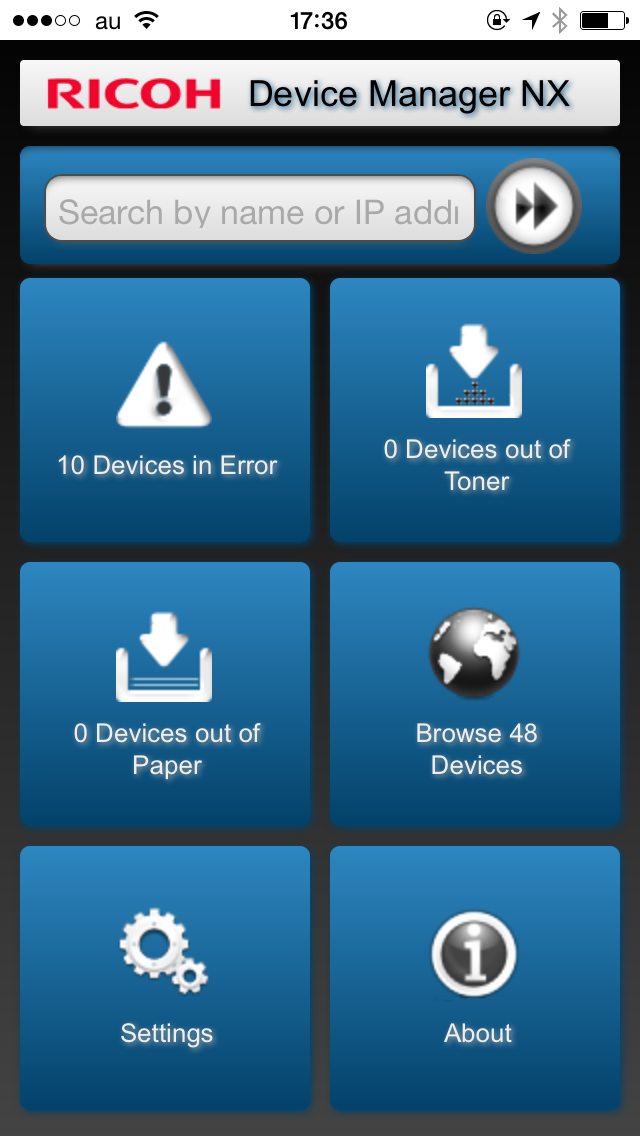
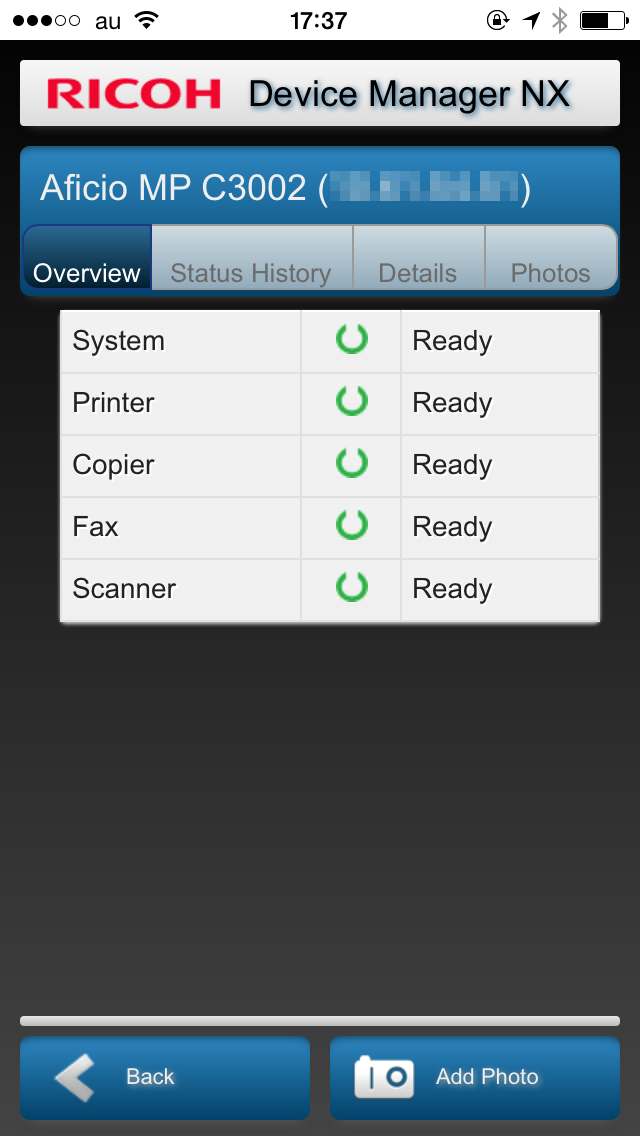
When connected to Device Manager NX Pro/Enterprise, RICOH Device Manager NX allows for highly efficient device management. In addition to displaying a list of managed devices and device overviews, it allows users to upload photos and register them to devices in Device Manager NX Pro/Enterprise.
Major features:
- Display a list of managed devices
- Display a list of devices encountering errors, out of toner, and out of paper statuses
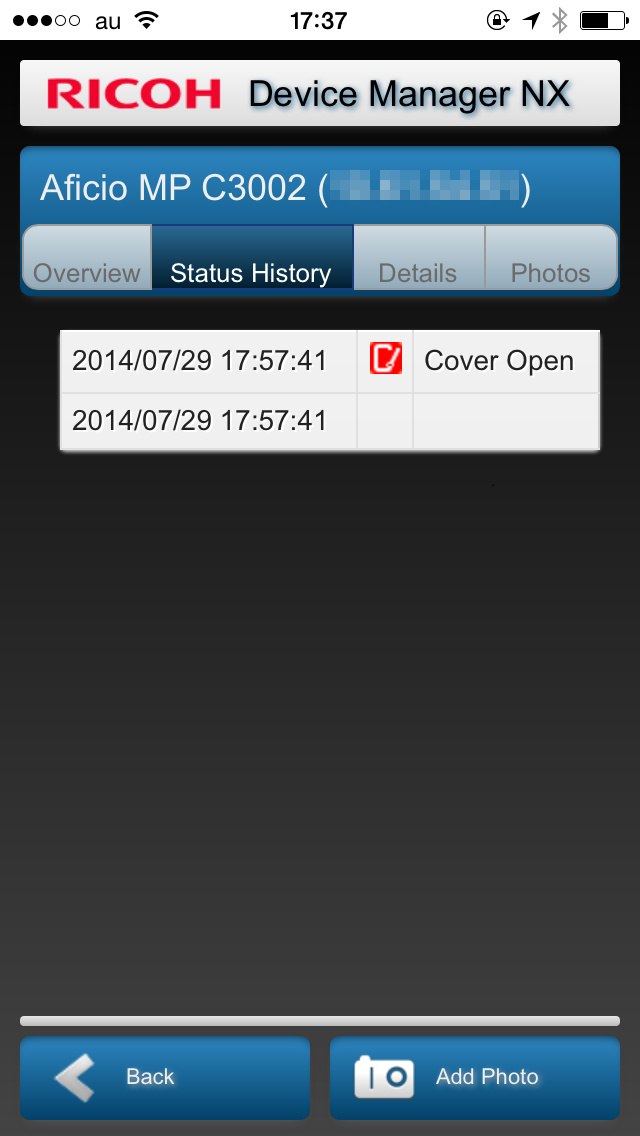
- Display device overviews, details, status histories, and photos
- Upload photos to Device Manager NX Pro/Enterprise
Usage preparation:
1. Turn on the Mobile Device Access function in Device Manager NX Pro/Enterprise.
2. Activate RICOH Device Manager NX on the smart devices and configure the connection to Device Manager NX Pro/Enterprise.