
1563407 votes - Productivity - First release: 2014-04-30T16:02:23Z
Screenshots


Description - 4+
Create, edit, and collaborate on the go with the Google Docs app.

Work together in real time
* Share documents with your team
* Edit, comment and add action items in real time
* Never lose changes or previous versions of your document with version history

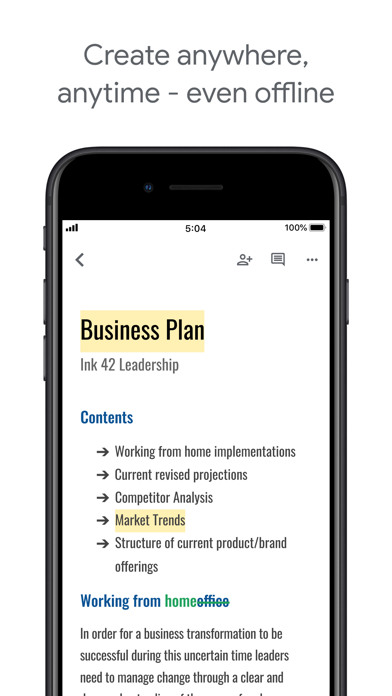
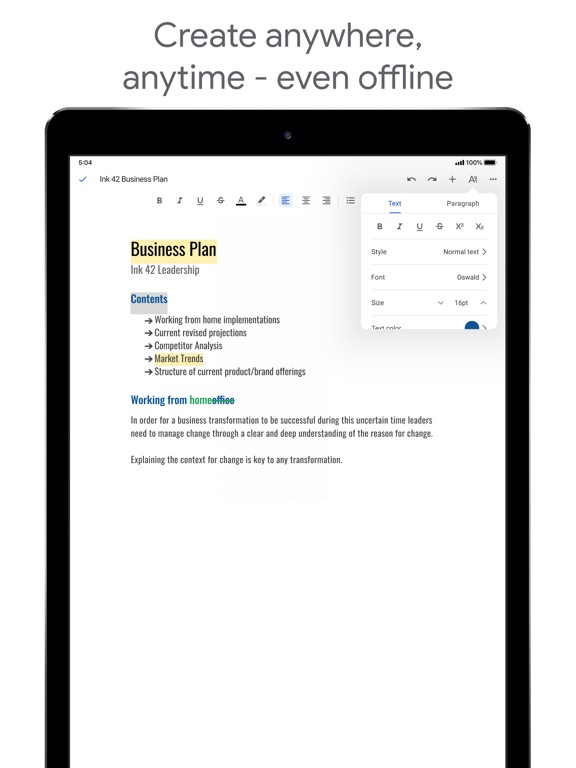
Create anywhere, anytime—even offline
* Capture spontaneous ideas on the fly
* Get things done, even on the plane, with offline mode
* Save time and add polish with easy-to-use templates

Search Google right in Docs
* Use Google Search without leaving your document
* Search all of your files in Drive, right in Docs

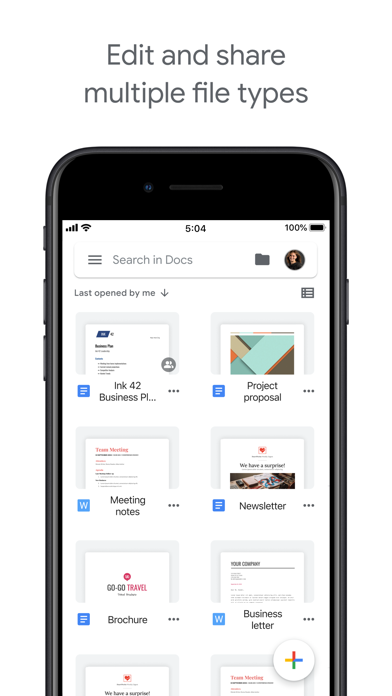
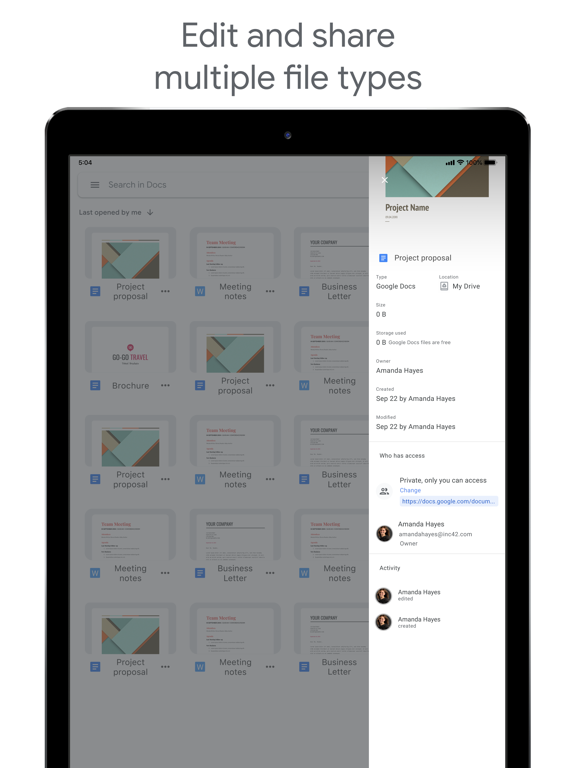
Edit and share multiple file types
* Open a variety of files, including Microsoft Word files, right in Google Docs
* Frictionless collaboration, no matter which application your teammates use
* Convert and export files seamlessly

Part of G Suite: Google’s intelligent apps for business
* Connect and collaborate with your team, using one suite—Gmail, Drive, Calendar and more
* Use Google’s AI to bring data insights to every employee
* Join more than 4M paying businesses who trust G Suite to power their organization

Permissions Notice
Camera: This is used to takes photos to insert into documents.
Photos: This is used to access photos under the control of Photos Application to let the users pick images to insert into documents.