
Bluefruit Connect
Send data via Bluetooth LE to control
Adafruit Industries LLC
iPhone Screenshots
Description
Wirelessly iOS devices to Adafruit LE modules for project control. Send sensor and GPS data via Bluetooth LE. Control directional inputs and Arduino pins. Transmit and receive messages in Hex or ASCII formats. Communicate with CircuitP devices.
Wirelessly connect your iOS device to Adafruit Bluefruit LE modules for control & communication with your projects.
Features:
• Send iOS sensor & GPS data wirelessly over Bluetooth LE (Continued use of GPS running in the background can dramatically decrease battery life)
• Control Pad for simple directional control of your projects
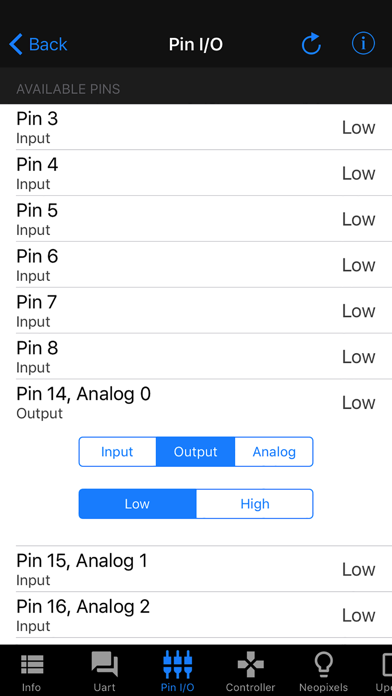
• Control Arduino Digital, Analog, & PWM pin input & output
• Send & receive messages via UART monitor in Hex or ASCII format
• Send & receive messages via CircuitPython REPL
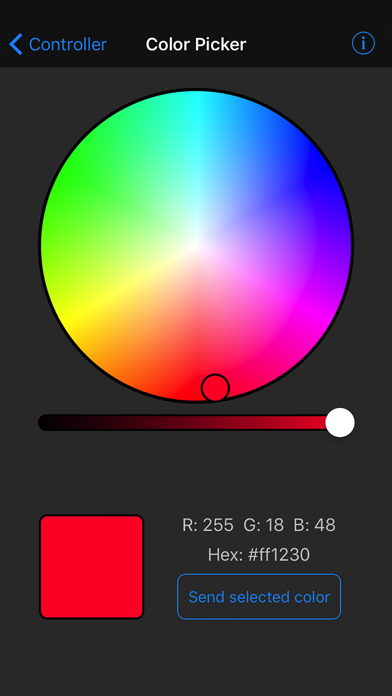
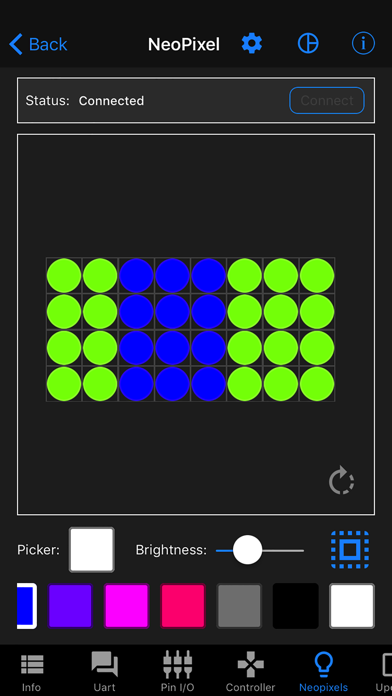
• Control NeoPixels individually with an interactive color picker
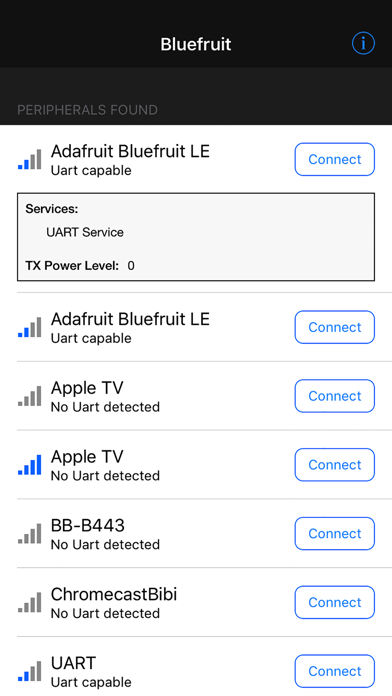
• Scan & list nearby Bluetooth LE peripherals with RSSI and Advertisement data
• Connect & List peripheral Services & Characteristics in Info mode
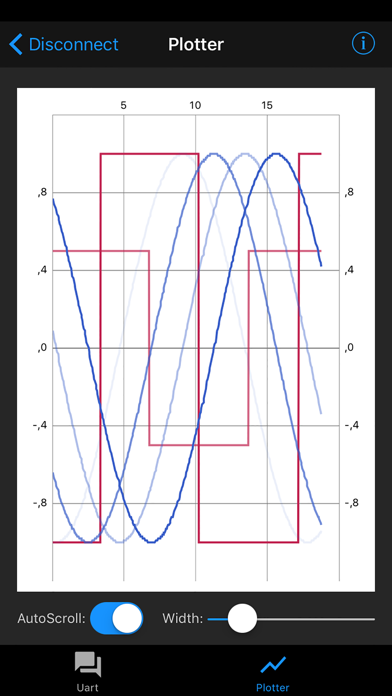
• Serial Plotter to plot numeric data graphically
• Multiple simultaneous connections (UART and Serial Plotter only)
• Send Images via UART
• Update your Bluefruit device to the latest firmware version from within the app
• Use Apple Watch to control Bluefruit with Color Picker & Control Pad
Learn more about Adafruit Bluefruit LE at:
http://www.adafruit.com/bluefruitle