
Savers Bank Mobile Banking
Bank on the go anywhere.
Savers Cooperative Bank
iPhone Screenshots


Description
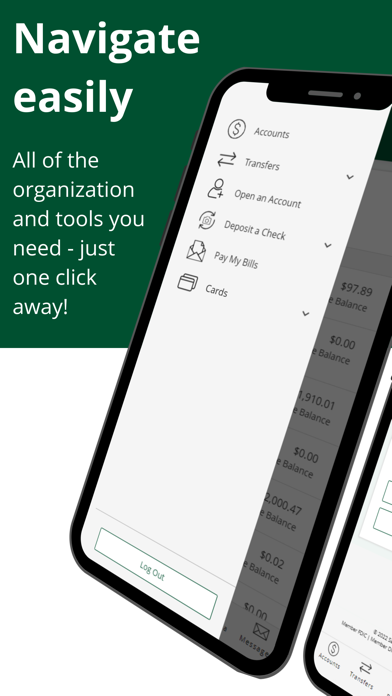
The app allows users to view account balances and transactions, transfer funds between accounts, and schedule bill payments. Users can also find nearby branches, make mobile deposits, and manage alerts.
Bank wherever you are with Savers Bank’s mobile app for the iPhone! Available to all customers with online Banking.
App Features:
Accounts
- View all of your accounts and balances
- View account transactions grouped by month (past 90 days)
- View check images that have cleared
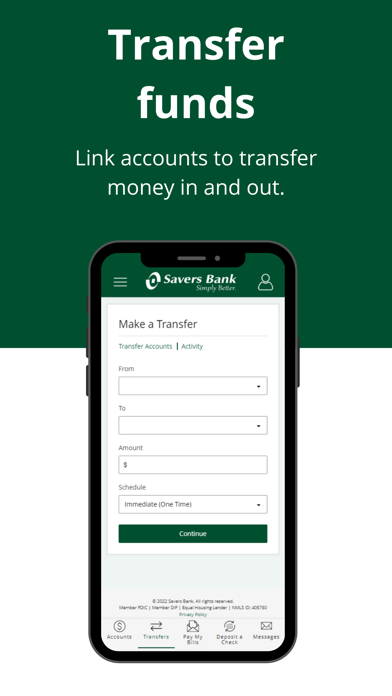
Transfers
- Account to account transfers
- Loan payments (including principal only, pay down or payoff)
- Scheduled transfers (immediate, future dated or recurring)
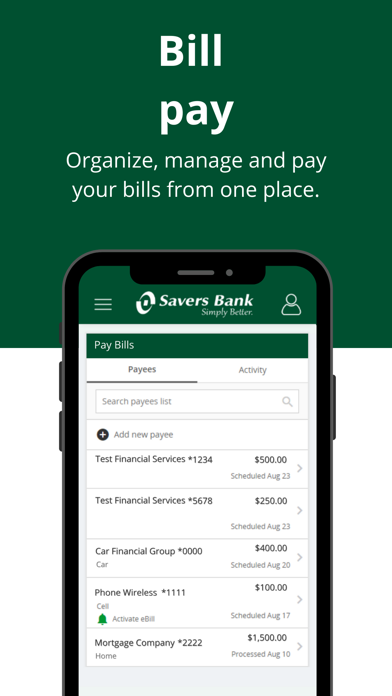
Bill Pay
- Schedule, manage and edit your bill payments
Locations
- Find nearby branches by searching by zip code or address
Fast Balances
- View your account balances on the go along without signing into your app
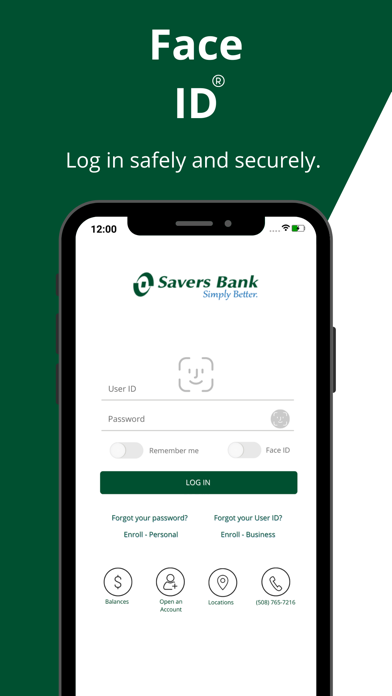
Fingerprint/Facial Recognition
- Access into the App with Finger Print or Facial
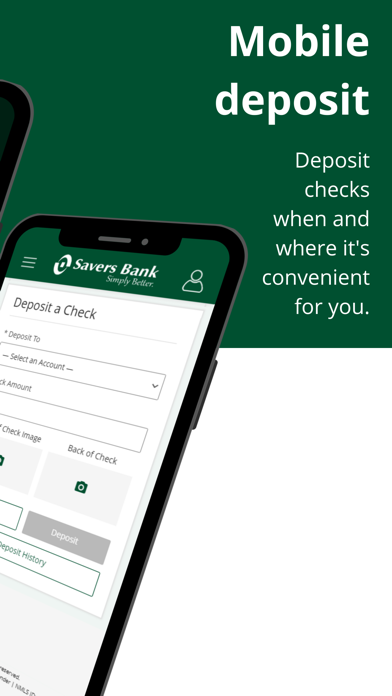
Mobile Deposit
- Make deposits using your mobile device
- View your mobile deposits using the Deposit History button
Self Service Banking:
- Secure Messaging
- Stop Payments
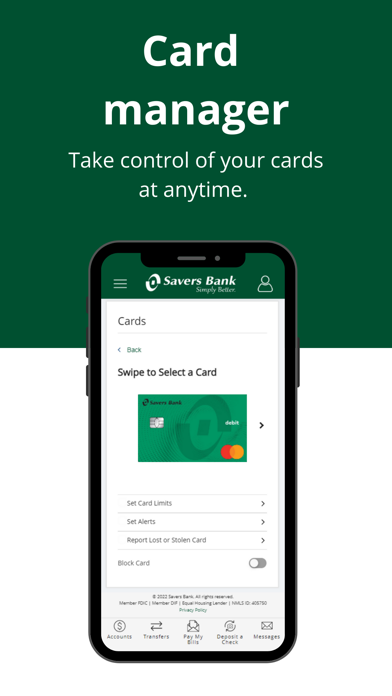
- Enable/ Disable Debit card
- Manage Alerts
- Manage External & Unlinked Accounts
- Push Notifications