Bearing Camera
Check direction by pointing camera
Looped Picture Company
iPhone Screenshots
Description
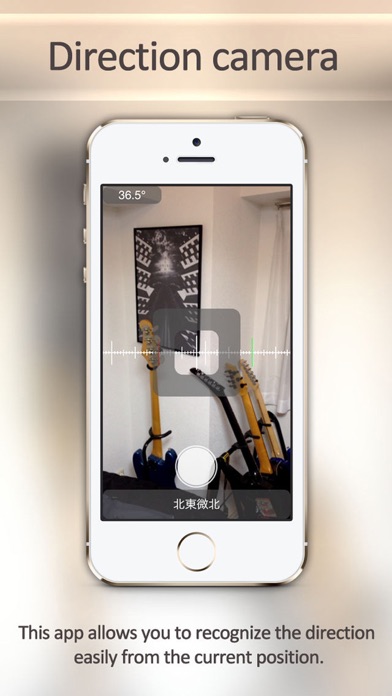
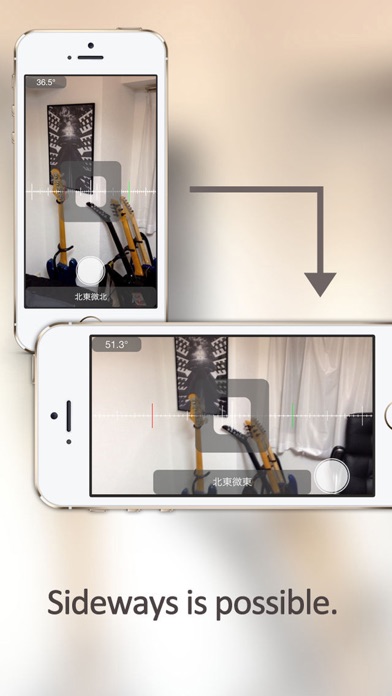
The app displays direction using the device's electronic compass. Users can point the camera to check direction, which is shown in 32 orientations.
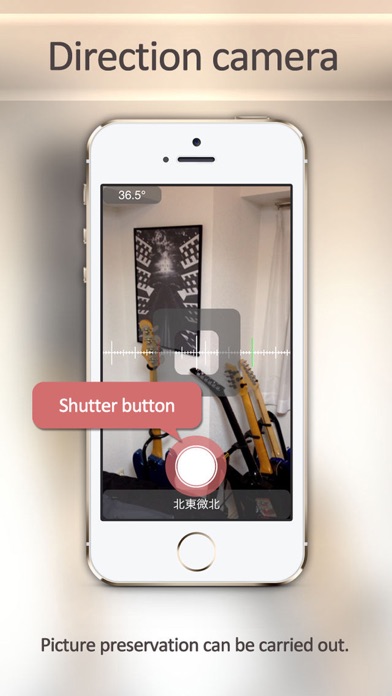
You can check the direction by simply point the camera.
Very easy to use!
Launch the app and Just point the camera!
Direction will be displayed in 32 orientation.
For example, you can easily be recorded on the photographic which any position is whether the direction from the center of the room.
#This app is using the electronic compass of the iPhone.
It is not possible to determine the direction accurately by the environment.