
Scope for AsReader
Check products and prevent shipping errors.
Asterisk Corporation
iPhone Screenshots
Description
The app offers three modes for product checking, including shipment inspection. It helps prevent shipping errors by verifying barcode correspondences in various scenarios.
This application is designed for checking products, such as shipment inspection.
There is three modes:
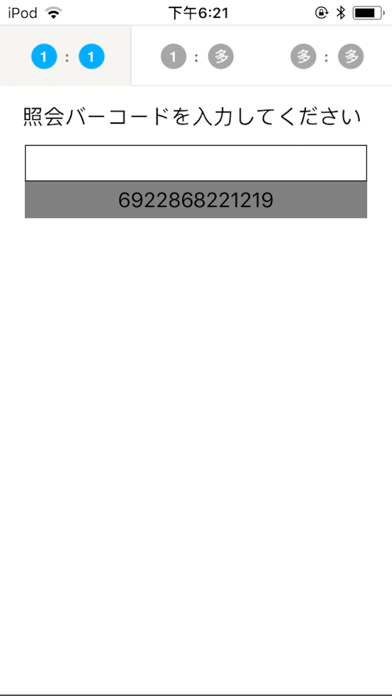
1."One to one" mode
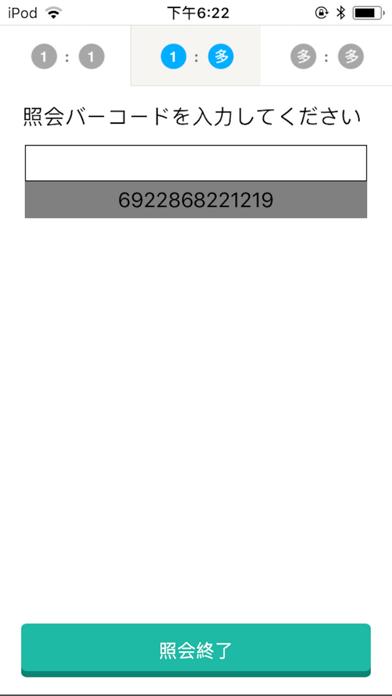
2."One to many" mode
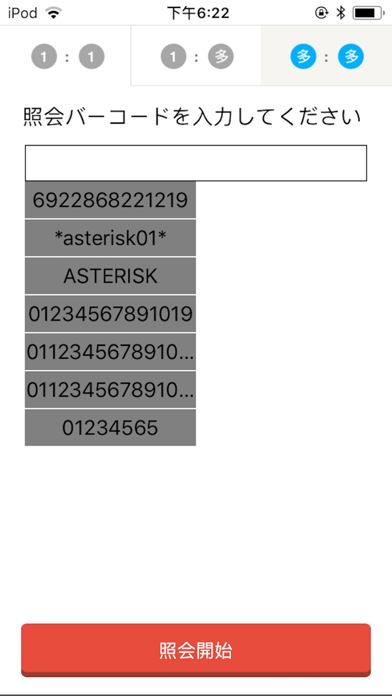
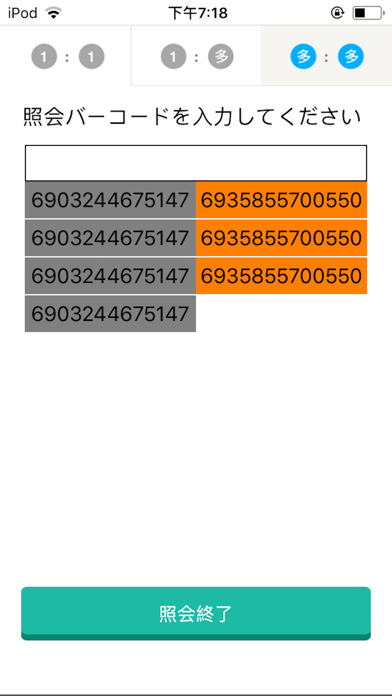
3."Many to many" mode
1."One to one" mode:
Used to check the correspondence of a picking direction to an actual product.
Read a direction barcode, then read an actual product barcode.
If these do not match, the an error indictation will be on the display
and it can prevent a shipping error.
2."One to many" mode:
Used to check and prevent mingling of different kinds of products.
Read a direction barcode first, then read inspecting barcodes.
If a scanned inspecting barcode doesn't corresponds to a direction barcode,
the an error indictation will be on the display.
3."Many to many" mode:
Used to check correspondence of several picking directions to several actual products.
Read a list of direction barcodes first.
Then, read a set of inspecting product barcodes.
If the scanned barcode doesn't exist in the list,
the an error indictation will be on the display.
To use this software, buying a barcode reader, which has HID interface.
Basically it doesn't matter which maker's barcode reader, but
for more information, please contact Asterisk Inc.