
OmniLogic
Manage pool settings and monitor water chemistry
Hayward Industries Inc.
iPhone Screenshots





Description
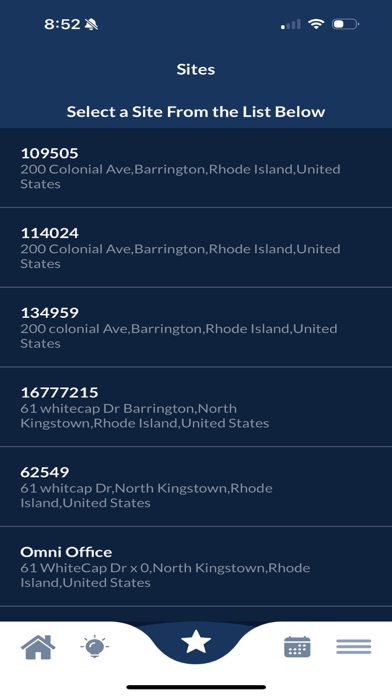
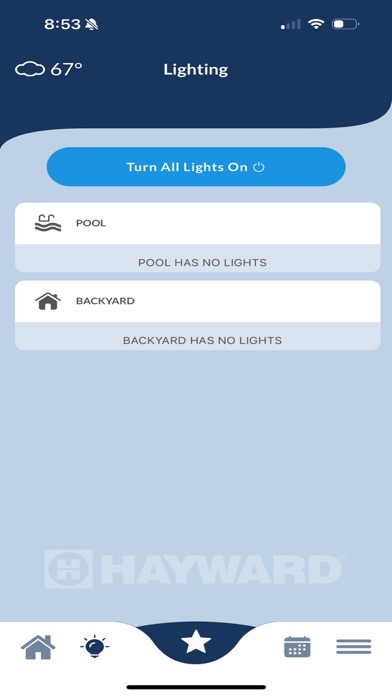
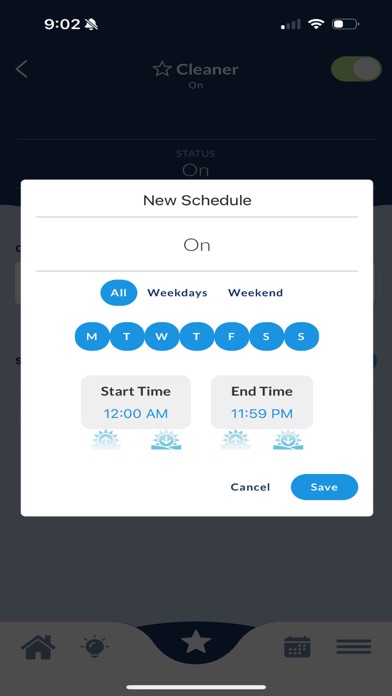
Manage pool, spa, and backyard systems remotely via iPhone or iPad. Adjust settings, monitor water chemistry, and control equipment schedules. Receive alerts and view system status in real time. Sync with Pool Controller via Wi-Fi or Ethernet.
This Hayward OmniLogic mobile application allows you to conveniently manage your Hayward OmniLogic Pool Controller from your iPhone or iPad. To use the app, you must create a user account at www.haywardomnilogic.com and the OmniLogic Pool Controller must be connected to your home router either wirelessly or using Ethernet cable. The OmniLogic communicates with your iPhone or iPad to allow you to control all of your pool, spa and backyard managed functions while home or on the road. Anything you can do from your pool controller, you can now do from your phone or tablet. Adjust settings, set heater temperatures, turn lights on and off, activate water features, manage pH and sanitization, set schedules, receive alerts and much more! Conserve energy and reduce operating costs by having complete control of your backyard while home or away.