
iPhone Screenshots



Description
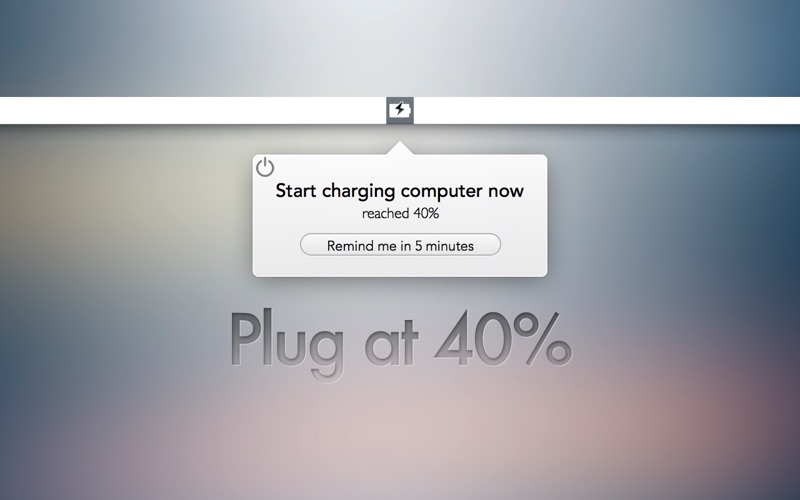
Reminds users to charge laptops when drops below 40% and stops charging once it reaches 80%. Sends notifications with snooze options. Helps maintain optimal health by preventing overcharging.
The "40/80" Rule made easy.
Battery Hero tells you when to start and stop charging your laptop using the 40/80 Rule. Keep your MacBook in tip top shape.
The 40/80 Rule:
The latest research reveals that keeping your battery between 40% and 80% is the best way to keep it at its healthiest:
http://www.wired.com/gadgetlab/2013/09/laptop-battery/
Features:
* Lightweight
* Snooze notifications
* Always have plenty of charge
* Improves overall battery health