
Voice Recorder HD - Transcribe
Record and playback notes
Studio Zebra
iPhone Screenshots
Description
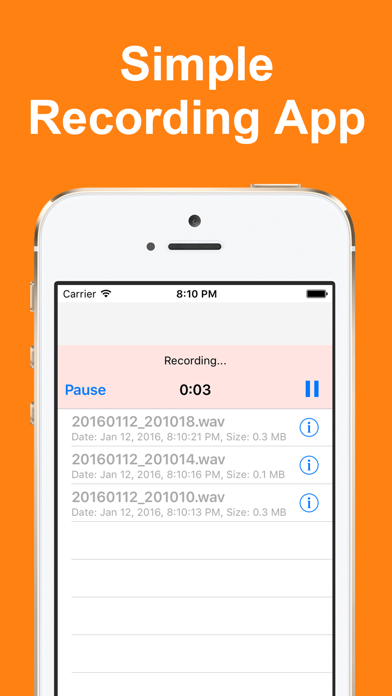
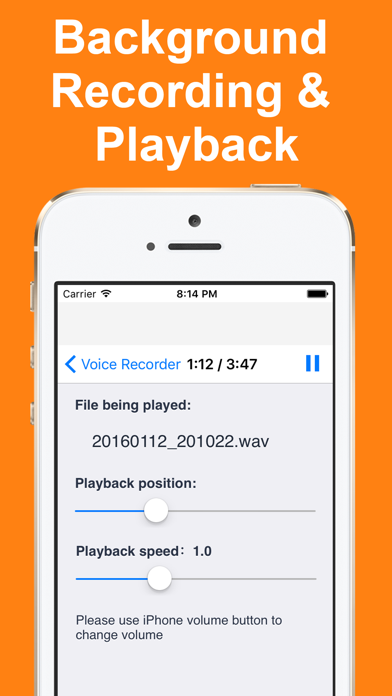
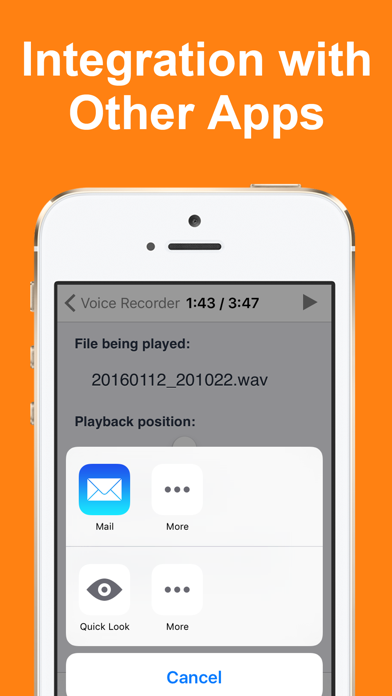
Record notes with background recording and playback. Adjust playback speed between 0.5 and 2.0 times. Share files via email. Rename recorded files. Integrate with other apps for file management. Save in Wave format at 44,100 Hz sampling rate.
Voice Recorder is a recording app built around simple, uncluttered operation.
Recordings can be transcribed right away, so you can review meetings and lectures as text later.
(* Transcription requires iOS 26 or later and an Apple Intelligence compatible device)
■ Transcription
Transcribes your recording and highlights the matching part as it plays.
Tap the text to play from that position.
Everything runs offline on your iPhone. No data is sent anywhere.
It can also be turned off in Settings.
■ Organizing
- Create folders to sort your recordings
- Move several recordings into a folder at once
- Choose the sort order (by name or by date created)
■ Main features
- Background recording and playback
- No ads while recording
- Choose a recording format (AAC for quality and small size / uncompressed WAV for editing)
- Deleted recordings stay in the Trash for 7 days and can be restored
- Select several recordings to delete, share or move them together
- Check the status from the Lock Screen and Control Center
- Change playback speed (0.5x to 2.0x)
- Resume playback from where you left off
- Import audio files from other apps or the Files app
- Open in another app (send to iCloud, Dropbox and more)
- Rename your recordings
■ Recording formats
- AAC by default (same quality at about 1/5 the size)
- Uncompressed WAV is available for editing
- Sample rate is 44,100 Hz