
iPhone Screenshots


Description
The app provides a menu bar stopwatch and timer. It saves time when quit and displays laps with splits and totals.
The stopwatch your menu bar was missing.
StopWatch sits next to your clock, one click or one keystroke away. Time a run, a meeting, a pomodoro, a pot of pasta, or how long you've been at your desk. It's the kind of small tool you set up once and lean on every day.
The stopwatch
• The time is right in your menu bar, always ticking
• Sleep or lock your Mac and the count stays right. Quit and your time is saved, paused where you left it
• Laps show splits and totals, and your fastest and slowest jump out
• Copy a lap, copy them all, or save a CSV
The timer
• Pick a preset or type something like 12:30
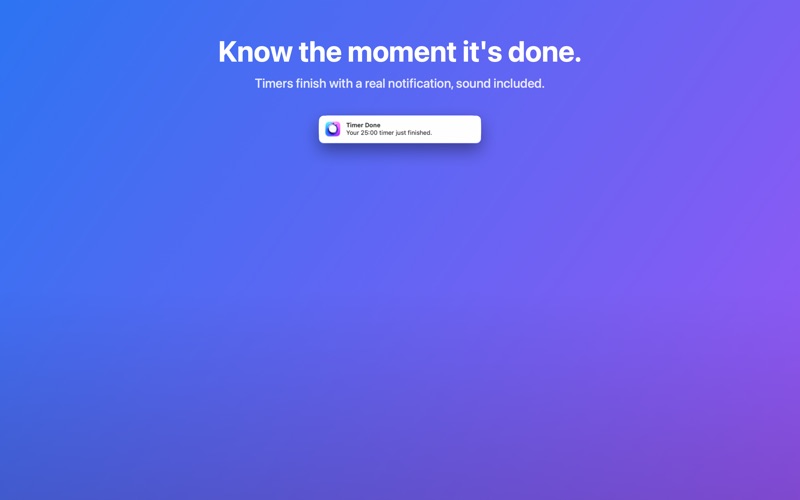
• A notification with sound tells you the moment time is up
• Quit the app and the countdown still lands on time
Little things that add up
• One click timing if you want it: left-click starts and stops
• Keyboard shortcuts that work in any app, and you can change all three
• Compact display if you'd rather see 5:23 than 00:05:23
• The time dims while paused, so you always know where things stand
Good to know
• Launch at login plus auto-start gives you a running clock for your workday
• Works great with VoiceOver
• No internet access, no analytics, no accounts. Everything stays on your Mac.
One tiny price. No subscription. It just times things, really well.