
EaseUS Data Recovery Wizard
Recover lost files from Mac storage
CHENGDU Yiwo Tech Development Co., Ltd
iPhone Screenshots


Description
The app helps recover deleted files, lost photos, and videos from Mac storage. It can restore data from formatted or corrupted drives and external devices.
Professional Mac Data Recovery Software to Recover Deleted Files, Lost Photos, Videos, and Documents Safely.
Lost important files on your Mac? Accidentally deleted photos, emptied Trash, formatted a drive, or found your Mac storage corrupted? EaseUS Data Recovery Wizard for Mac helps you recover lost and deleted data quickly and securely from almost any data loss situation.
No technical skills required — simply scan, preview, and recover in a few clicks.
Recover Data from Any Mac Data Loss Scenario
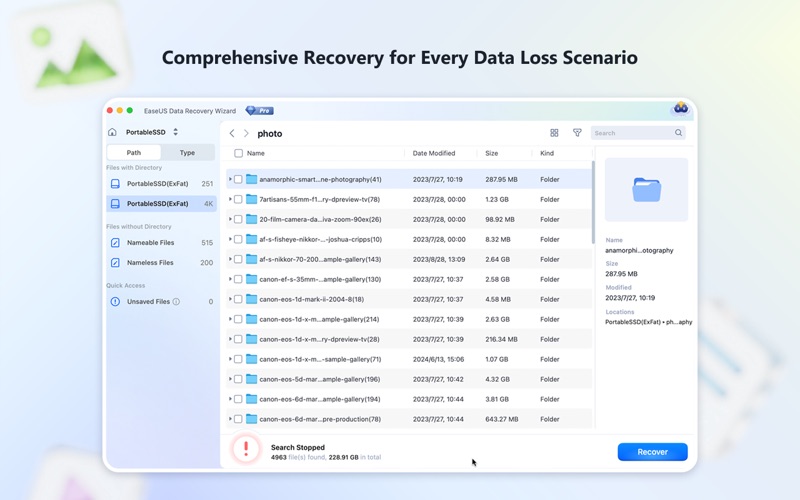
• Recover Deleted Files on Mac — Restore accidentally and permanently deleted files, and files removed from Trash: documents, photos, videos, audio, emails, and more.
• Recover Lost Photos and Videos — Bring back memories from your Mac, cameras, SD cards, and external drives. Recover JPEG, PNG, HEIC, RAW, MOV, MP4 and other formats with original quality.
• Recover Data from Formatted or Corrupted Drives — Restore files from formatted Mac disks, corrupted partitions, damaged storage devices, and inaccessible drives without complicated operations.
• Recover Data from External Devices — Recover lost files from external hard drives, SSDs, USB flash drives, SD cards, memory cards, and other Mac storage media.
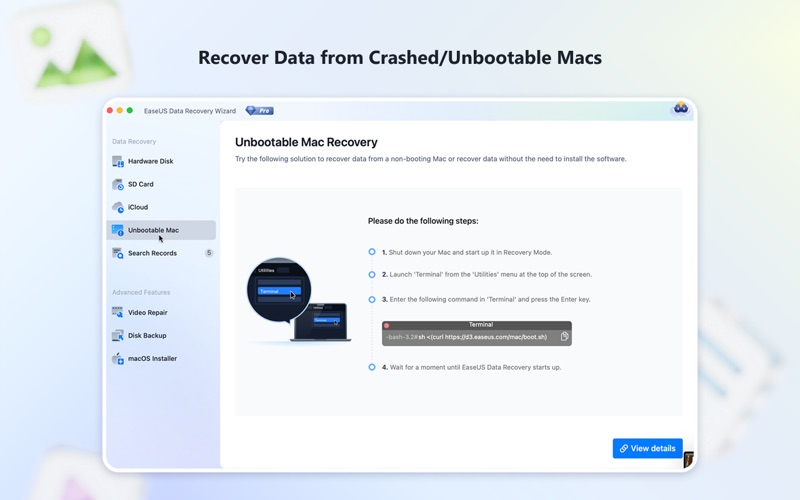
• Recover Data from Crashed or Unbootable Macs — Create a bootable recovery drive to access and recover files when your Mac cannot start normally due to system crashes, startup failures, or macOS issues.
Powerful Mac File Recovery Features
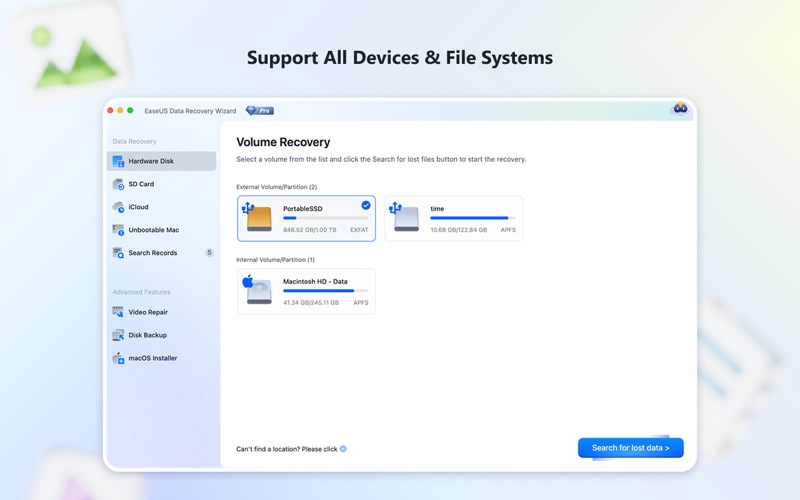
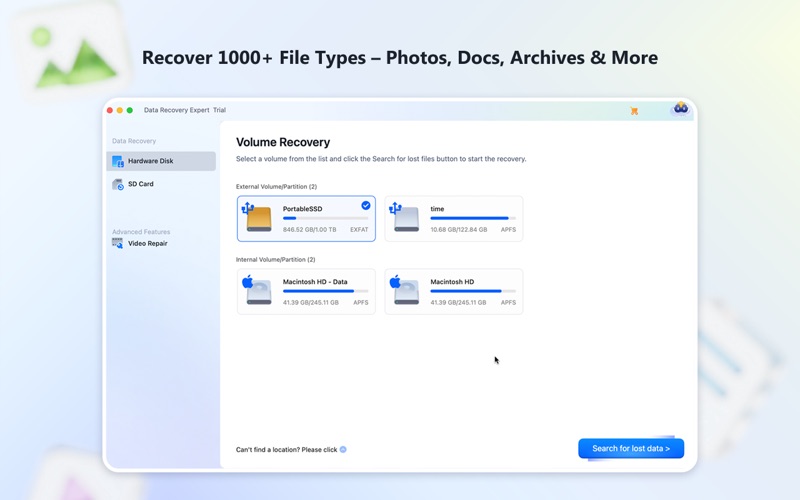
• Mac Data Recovery — Recover lost files from internal Mac SSDs, HDDs, and storage devices: documents, photos, videos, music, archives, emails, and more.
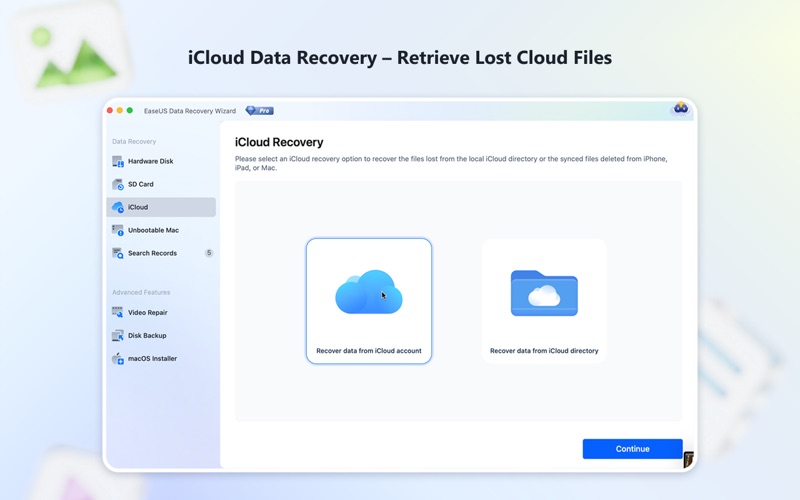
• iCloud Data Recovery — Recover available files from your iCloud account and save them securely to local storage or another destination.
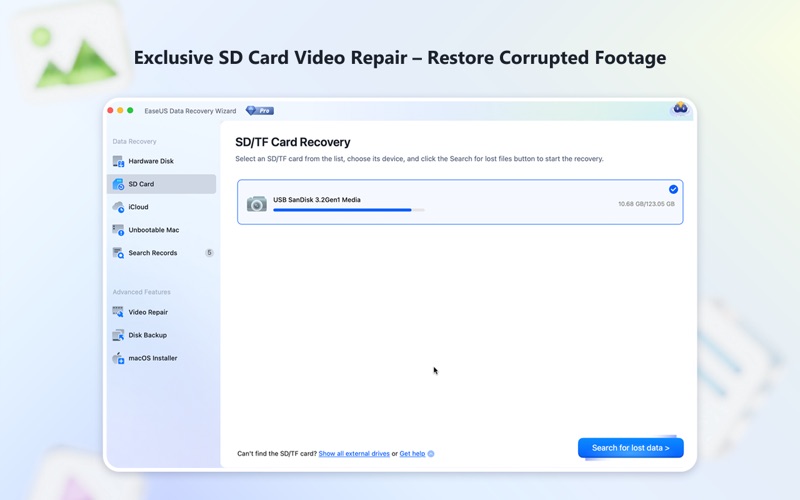
• External Hard Drive & SD Card Recovery — Recover files from cameras, drones, USB drives, memory cards, and external HDD/SSD devices.
• Advanced Disk & Partition Recovery — Restore data from lost, deleted, or damaged partitions. Supports APFS, HFS+, FAT32, and exFAT.
• Deep Scan & Smart File Recovery — Advanced scanning searches deeply to find deleted and hidden files no longer visible.
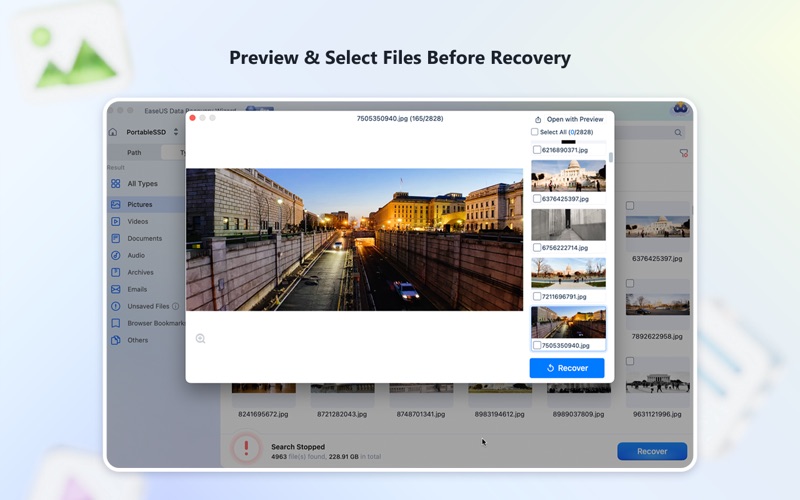
• File Preview Before Recovery — Preview recoverable files to quickly find the exact photos, videos, and documents you need.
Advanced Recovery Technology
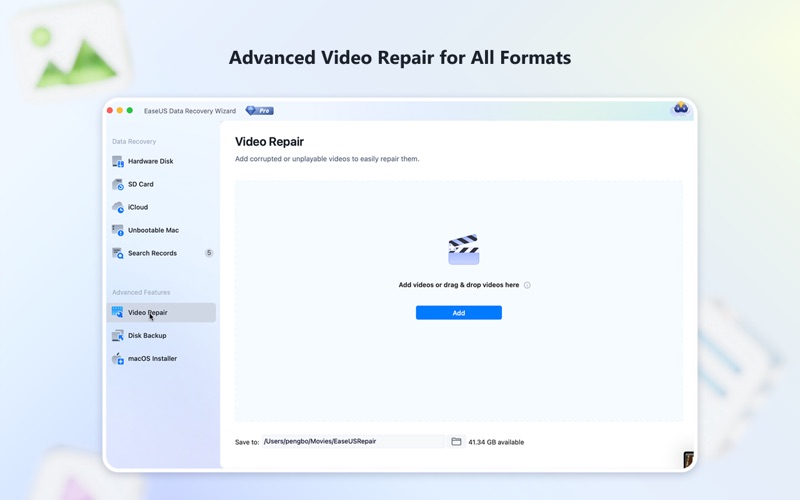
EaseUS combines powerful scanning algorithms with intelligent file recognition: faster deep scanning, enhanced RAW recovery, improved photo and video recovery, advanced repair for corrupted MOV and MP4 files, smart filtering to reduce duplicates, and automatic recovery of fragmented CHK files and lost file fragments.
Data Security & Privacy Protection
Your privacy matters. EaseUS Data Recovery Wizard for Mac is designed to help recover lost files safely while protecting your personal information.
• Your data stays private and secure. The app only accesses your files when necessary for scanning and recovery, and recovered files are saved only to your selected destination.
• Safe recovery process. EaseUS helps protect your original data during scanning and recovery while minimizing risks to your existing files.
• Required file access permission. To recover deleted data as completely as possible, please allow EaseUS to access your files and folders. Without it, the app cannot fully scan your storage devices or restore lost data.
Why Millions of Users Choose EaseUS
Trusted by millions of users worldwide, with over 20 years of experience in data recovery technology. Simple 3-step recovery process, no technical knowledge required, no ads, 24/7 technical support, and a 30-day money-back guarantee.
Don't let accidental deletion, corrupted drives, or system failures permanently erase your important data. Download EaseUS Data Recovery Wizard for Mac and recover what matters most.
Terms of Use: https://www.apple.com/legal/internet-services/itunes/dev/stdeula/
Privacy Policy: https://www.easeus.com/privacy.htm