
iPhone Screenshots


Description
The app allows users to record their screen and capture screenshots. It offers tools for editing recorded videos and images, including trimming, cropping, and adding annotations.
Screen Recorder Robot Lite is a powerful screen record app. It can screenshot and support edit it. It can screen record and support edit the video.
Select Area
• Auto-identify windows, menus etc
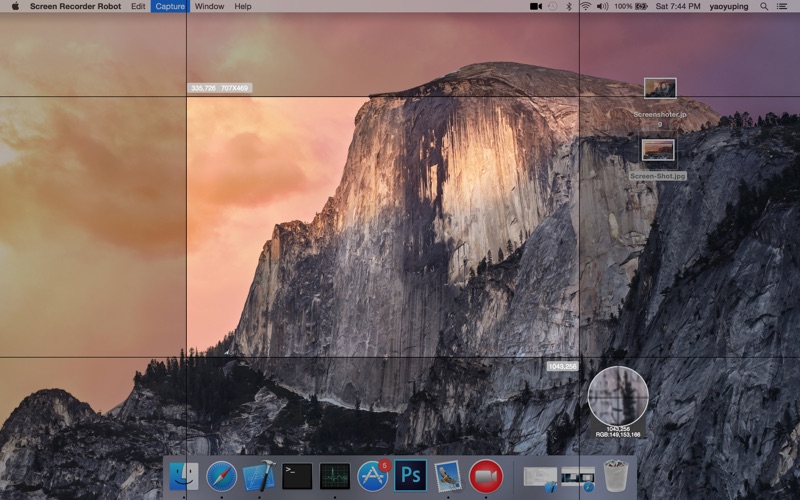
• Magnifying glass help you accurate select area
• Magnifying glass will show the color of the mouse location, you can put the color to clipboard by "command+c"
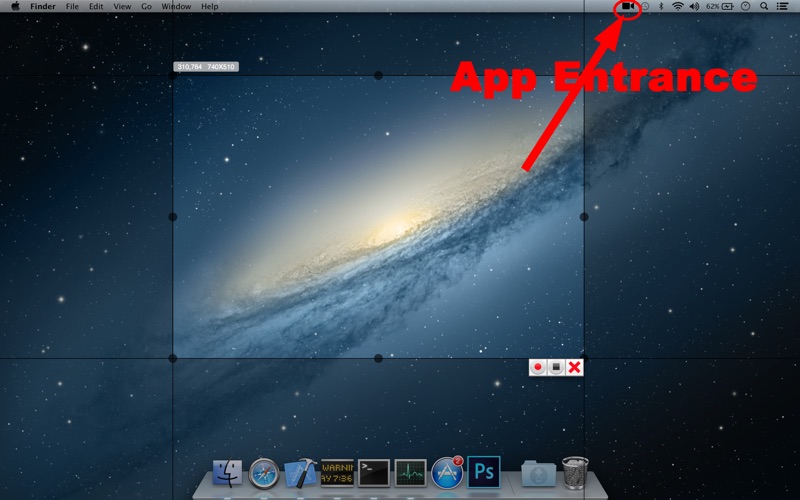
• It will show the select area info, include location, width, height etc. You can use it as a ruler
• You can adjust the area after selected
• You can cancel select by Press ‘esc’
Screen Record
• You can capture mouse cursor or not
• You can capture mouse clicks or not
• You can mute audio or not
• You can select frame rate from 1 to 30
• You can select session preset 1280x720, 960x540 etc
Recorded Video Edit
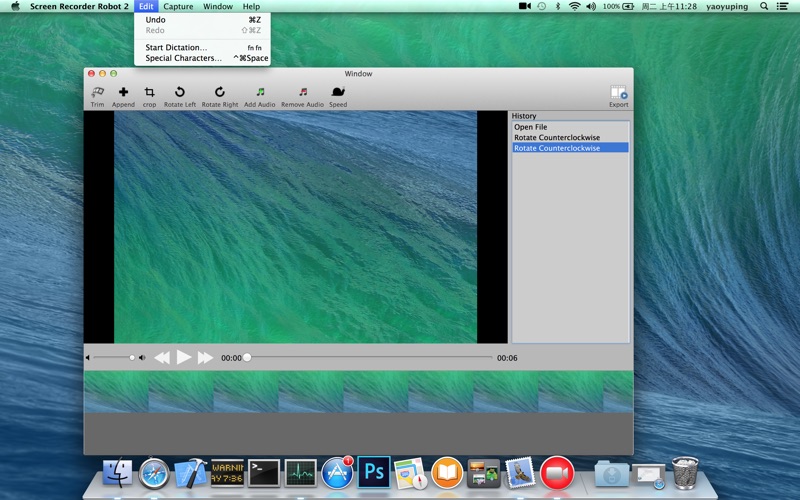
• Support trim, crop, rotate the video
• It can make some video files to be one
• You can add a new audio to the video
• You can remove the video’s audio
• You can adjust the play speed
• Support undo and redo
• You can use it to play the video
ScreenShot
• You can save image as png, jpg, bmp, tiff etc
ScreenShot Image Edit
• Support draw text, mosaics, blur(Gaussian blur), rectangle, circle, arrow etc
• Support change the graph color, adjust the graph size, adjust the graph line width etc
• Support opacity
• Support undo and redo
Start Login
• You can select start login or not
Shortcuts
• You can capture or screenshot by shortcuts at any time and any where, you don’t need to switch to the app
Support Multiple Screens
Support Retina