
UECU Mobile
Check balances, view accounts, deposit checks, redeem
Utilities Employees Credit Union
iPhone Screenshots



Description
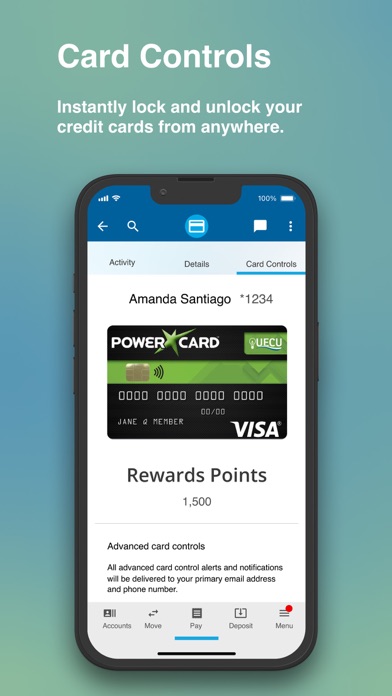
Manage accounts with secure access to check balances, view account details, deposit checks, redeem rewards, apply for loans, set skip-a-pay options, make and edit payments, and activate or deactivate Visa® cards.
Manage your UECU accounts securely and conveniently from anywhere, using the UECU Mobile App. Whether you want to check your account balance, view your account info, deposit a check, redeem your rewards, apply for a loan, set up a skip-a-pay, make and edit payments, or turn your UECU Visa® cards off or on – you can do it all from your mobile device.
As your financial partner, we believe you should have the power to manage your accounts your way. So, whether you are at home, at the office, or out on the road, you’ll have everything you need at your fingertips.
Features included are:
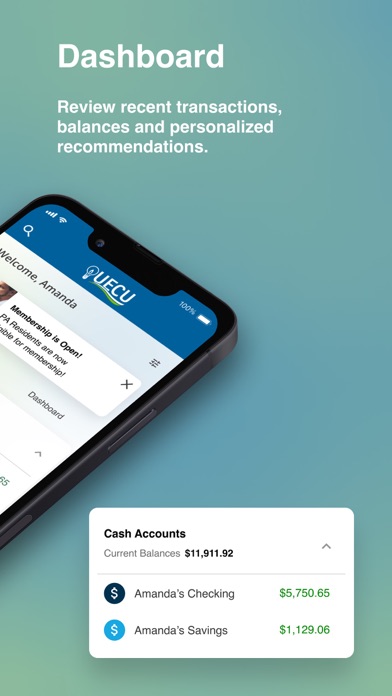
Custom Dashboard - Manage all of your accounts in one easy to view dashboard. View available funds, the progress of savings goals, upcoming payments, how much you’ve deposited, rewards you’ve earned, and personal recommendations all in one simple and easy to read screen. You’ll also have the ability to check your credit score.
Accounts - View and manage all of your saving accounts, loans, and credit cards digitally. Review recent transactions, see current balances, and search for specific payments or deposits.
Bill Pay - Schedule or manually make payments on your bills through our easy-to-use bill pay system.
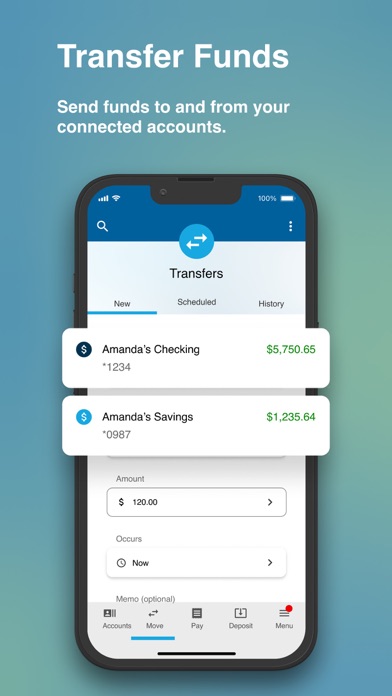
Fund Transfers - Send funds to and from your connected UECU accounts and external bank accounts through our easy-to-use fund transfer capability.