
Benefitplace
Access benefits, log in, manage account
Benefitfocus.com
iPhone Screenshots


Description
Access company benefits remotely by installing the and entering a company ID. Log in with existing credentials. Retrieve a company ID using last name, date of birth, and last six digits of SSN.
Take your benefits wherever you go. Download the Benefitplace™ app today!
1. Install the Benefitplace app
2. Enter your company ID.
3. Log in using the same username and password you use on your computer!
Having trouble downloading the app or logging in? Here are some tips and tricks to help!
- Unsure what your company ID is? In blue, below Company ID box and next button, click ‘Don’t know your company ID?’, enter your last name, date of birth and last 6 of SSN, then click ‘Find Company ID’
- Unsure what your password or username is? Click ‘Need help accessing your account?’ and follow each step to reset
With the Benefitplace™ app, you can easily access and manage your benefits information anytime, anywhere.
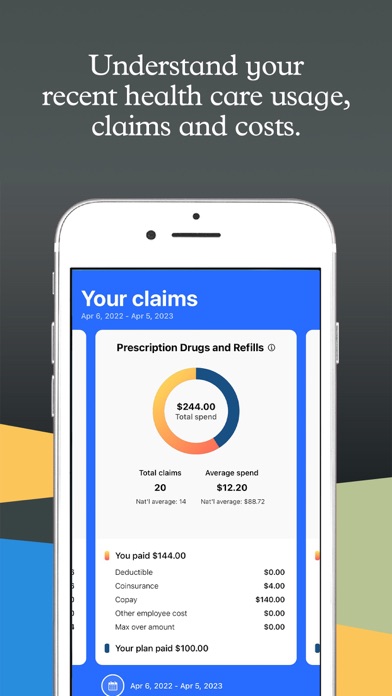
- View all active benefits, coverage details, payroll deductions and ID cards
- Snap and tap to upload required documentation
- Get important benefits notifications and reminders pushed right to your device
- Send and receive sensitive personal information through secure messaging
- Check spending account balances and review transactions
- Make annual benefit elections and life event changes on the go
- Learn about and shop for benefits that are available for enrollment throughout the year