
Oxygen Offline Browser
Save webpages for access
My AR Unipessoal LDA.
iPhone Screenshots

Description
Download and save webpages for access. Browse websites without an internet connection. Pre-load websites for later viewing. Organize saved pages in a dedicated section. Search through saved content quickly. Sync browsing data across devices.
Introducing Oxygen Browser: a faster, smarter, and more customizable browsing experience that lets you download webpages and save websites for offline access. Enjoy seamless browsing even without an internet connection—perfect for planes, subways, or anywhere connectivity is a concern.
Why Oxygen Browser?
Offline Browser Capabilities: Access your favorite websites offline, ensuring you stay informed even in areas without internet connectivity.
Download Website Feature: Pre-load websites when connected to Wi-Fi to save on data and reduce costs.
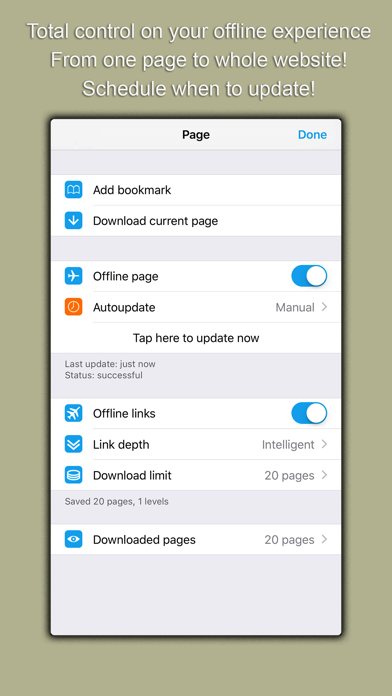
Save Website for Offline Use: Keep valuable web content updated automatically and store webpages or PDF files securely.
Download Webpage Functionality: Whether you're preparing for space travel or just need reliable access in remote locations, Oxygen Browser has you covered.
Still undecided? Perhaps you're looking for a browsing solution that's straightforward and packed with smart features—Oxygen Browser is the answer.
Top Features:
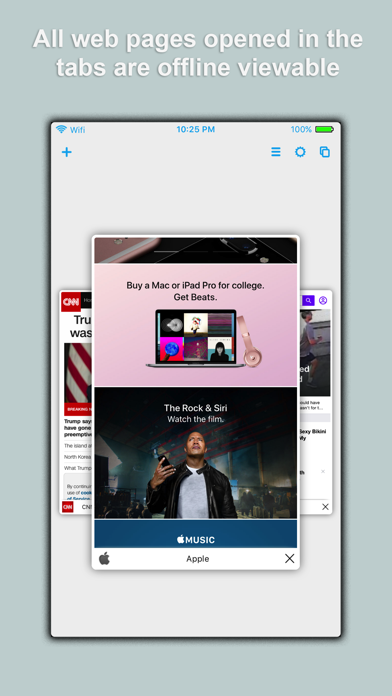
Offline Browsing: Automatically make your current tabs available offline.
Save Web Page: Archive different versions of web pages with ease, without automatic updates.
Ads and Social Plugins Blocker: Experience faster loading times and reduced data usage by blocking unnecessary content.
Utilities:
Import and export bookmarks across most browsers, auto-save credentials, sync across devices, and customize your search preferences.
FAQs:
Can all webpages be viewed offline? Most webpages can be turned into offline pages, with some exceptions due to content limitations on iOS.
Storage Use: The storage used depends on the number of offline pages you create and the depth of the links saved.
terms of service:
https://www.apple.com/legal/internet-services/itunes/dev/stdeula/