
HUMAX Media Player
Watch content from DLNA devices on
Humax Co., Ltd
iPhone Screenshots

Description
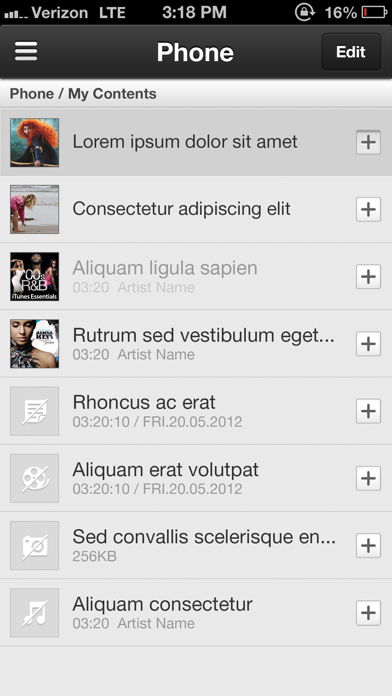
Play content such as videos, music, and photos from iCord Evolution or other DLNA devices on an iPad. Control playback and view content saved on tablet, smartphone, or PC. Stream to TV via iCord Evolution.
HUMAX Media Player allows you to enjoy content from HUMAX iCord Evolution(HMS-1000S) and other DLNA devices through your iPad. You can also watch contents that are saved in your tablet/smartphone, second room STBs, PC and the other DLNA devices on your TV via HUMAX iCord Evolution.
----- Features -----
- Play content from your HUMAX product or other DLNA devices
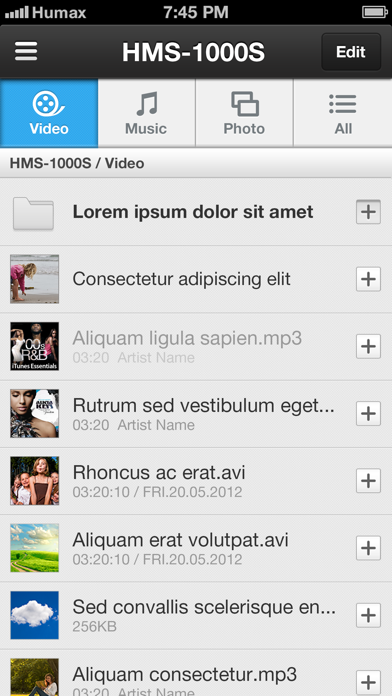
Watch or control media content(video, music, photo, recordings) from HUMAX iCord Evolution or other DLNA devices and play them on HUMAX Media Player.
- Send to TV
HUMAX Media Player sends the content that are saved in DLNA devices to HUMAX iCord Evolution, so that you can watch them on your TV.
----- How to Use -----
1.Pairing
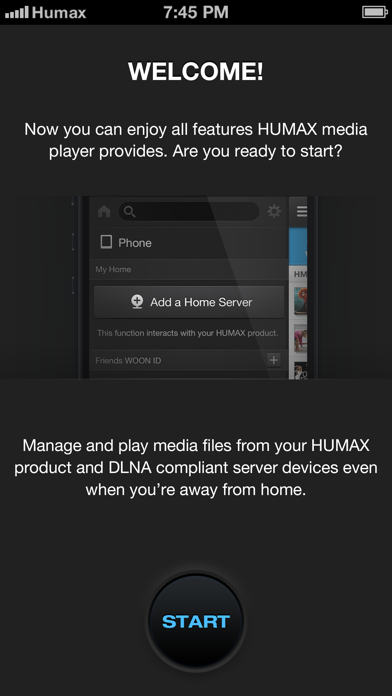
B.Select ‘START’ to pair your iPad with your HUMAX product.
C.Search HUMAX iCord Evolution on your network.
2. Device Listing
D.On the left side, you can see all the home network connected devices that you can control.
----- Notice -----
- App may not guarantee best performance for all version of iPad
- The performance of content streaming depends on network environment.
- HUMAX products, DLNA devices and iPad have to be on the same network.
- Works on Wi-Fi network only
----- Compatibility -----
Required at least iOS 6 & iPhone 4 or higher
Compatible with HUMAX iCord Evolution(HMS-1000S)
Compatible with DLNA devices on the same network (not all devices are guaranteed)
Supported Format : MP4, HMS recording file, MP3, AAC, WAV, JPG, GIF, PNG
----- Language -----
English, German, Turkish, Russian, French, Italian, Greek, Spanish