
iPhone Screenshots
Description
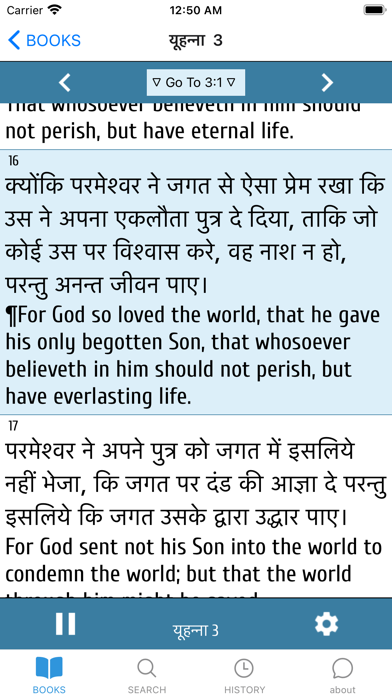
The app offers auto-speaking the bible using recent iOS voice synthesizing technology. Users can download enhanced quality Hindi and English (U.K.) voices in the Settings app for multi-language mode.
************ Update for iOS ************
You should download the ENHANCED quality of Hindi and English (U.K.) voices in the Settings app.
For this, please go to the
Settings App >>
Accessibility >> Speech >> Speak Selection >> Voices
>> English (U.K.) >> check the Enhanced Quality >>
will download, so please wait. If it completes, then go back one step>>
Hindi >> also check the Enhanced Quality
>> Congratulations!
Now please open the Mobile Hindi Bible again and you will listen to the scrolls' speaking in MULTI-language mode.
This Mobile Scroll Bible: Hindi edition offers you to auto-speaking bible with most recent iOS voice synthesizing technology using Siri(TM) voice.
Finish 3-month bible reading with this app !!