
iPhone Screenshots



Description
Jitless brings your PC and classic iOS games to iPhone and iPad. Keep them in one library and play with controls that feel right for you.
- Flexible controls
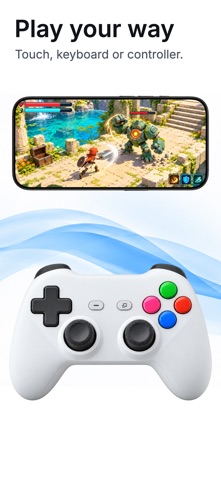
Play with touch controls, a controller, or a keyboard and mouse. Map buttons and keys, use phone tilt, or add a touchpad. Create different setups for different games and try them before playing.
- Your own layout
Move and resize on-screen controls to fit your hands. Adjust their background opacity and blur, and choose a skin to make your setup feel your own. Pure is included, with additional skins available as optional one-time purchases.
- Bring your collection
Import your game files through Files, including supported folders, ZIP archives, Windows executables, disc images. Supported Windows installers can install a game and add it to your library.
- Settings for each game
Customize game artwork, choose display settings, and keep a control layout for each game. Check FPS and other performance metrics while you play.
- See what works
Browse community compatibility reports and gameplay videos at jitless.app. Record and share your own results to help others find games to play.
Compatibility reports and gameplay videos:
https://www.jitless.app/compatibility
Help and support:
https://www.jitless.app/help
Games are not included. Only import games you own and have the right to use. Compatibility and performance vary by game, version, and device.