
iPhone Screenshots


Description
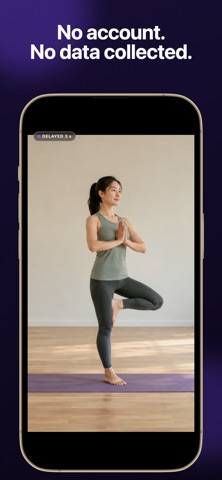
Set your iPhone or iPad down, do your rep, then look up and watch it. Video Delay continuously shows the camera a few seconds late, so you see every swing, jump, lift or serve without touching the phone or asking anyone to film.
WATCH EVERY REP, HANDS-FREE
• Pick a delay from 1 to 60 seconds
• Live and delayed side by side, or the delay full screen
• Front or back camera, mirror option, lens switching and zoom
• 30, 60, 120 or 240 fps where your camera supports it
SAVE THE ONE THAT MATTERS
Just watched a good one? Tap Save rep and keep the last 5, 10, 15 or 30 seconds of the replay. Saved reps stay in the app's library. Saving to Photos is up to you.
STUDY IT SLOWLY
• Slow motion down to 1/8 speed, frame by frame
• Draw lines, angles and circles. Lines show their angle, so a knee bend or swing plane reads at a glance
• Undo a mark, or clear them all after a confirmation
SHARE IT YOUR WAY
Share or save a rep with your drawings and mirroring, exactly as you see it, or as the original clip. Select several reps to share or delete at once.
SHOW IT ON THE TV
With AirPlay or an HDMI adapter, the TV shows the delayed replay full screen, drawings included, while the controls stay on your phone.
PRIVATE AND PAID UPFRONT
No account, no ads, no tracking, no subscription. Video stays on your device unless you choose to save or share it.