
iPhone Screenshots





Description
Every size, saved. Measure Log keeps your dimensions, photos and project notes together, so they are ready when you need them.
• Save lengths, flat shapes, boxes, round objects and custom measurements. Enter decimals or fractions and switch between inches, feet, millimeters, centimeters and meters.
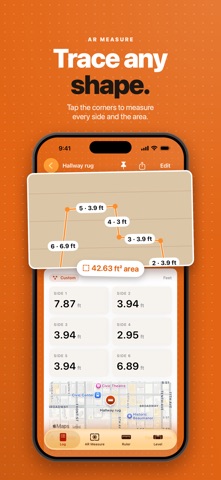
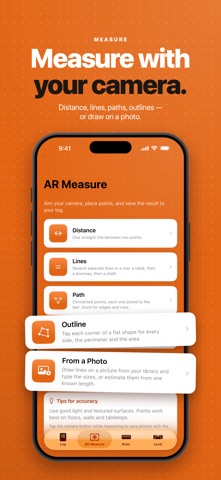
• Estimate distances, connected paths and flat outlines with the AR camera on supported iPhones. Keep the sides, perimeter and area in an editable entry.
• Add up to five photos, optional weight, notes and a location to each entry. Draw measurements on a photo using a known reference.
• See proportional shape previews and calculated areas and volumes.
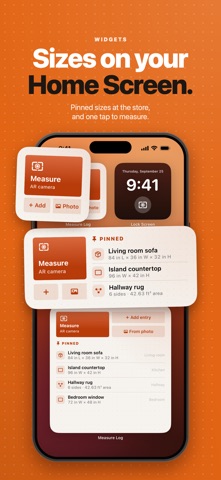
• Organize entries into project groups, search your log and pin frequently used measurements.
• Keep pinned sizes and quick actions close with Home Screen widgets.
• Use the on-screen ruler and bubble or edge level for quick checks.
• Share entries and measurement photos, or export your log as CSV.
Your log stays on your iPhone. No account, ads, analytics or subscription. Optional location and map features use Apple services; sharing happens only when you choose it.
Camera and photo measurements are estimates. Accuracy depends on the scene, reference, device and calibration. Verify important dimensions with a physical measuring tool.
Measure Log does not offer cloud sync or cloud backup. Saved records and photo copies are excluded from device backups, so export a separate copy of important measurements.