
iPhone Screenshots


Description
Clean & Focused
Open any markdown file and see it rendered instantly. No clutter, no distractions. Just your content, beautifully formatted.
GitHub-Style Theming
Familiar styling that matches GitHub's markdown rendering. Automatically switches between light and dark themes to match your system appearance.
Built-in Editor
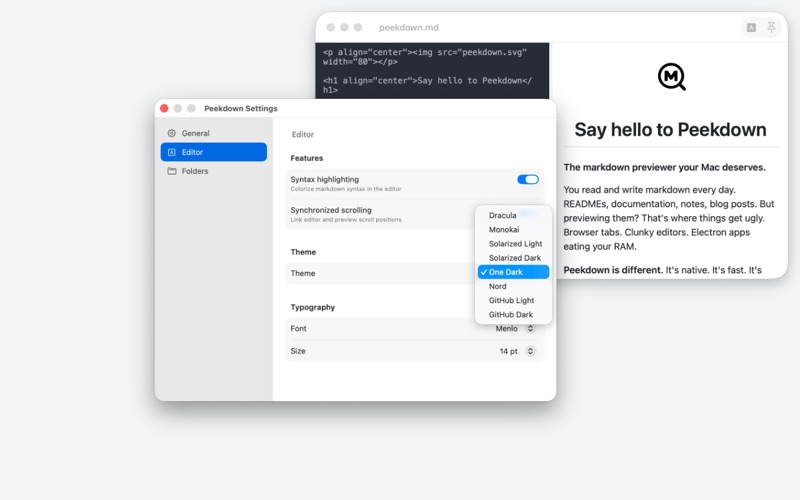
Toggle edit mode to write and preview side-by-side. Create new files with Cmd+N and see your changes in real time as you type.
Interactive Checkboxes
Click task list checkboxes directly in preview mode. Enable auto-save to update your markdown file instantly.
Syntax Highlighting
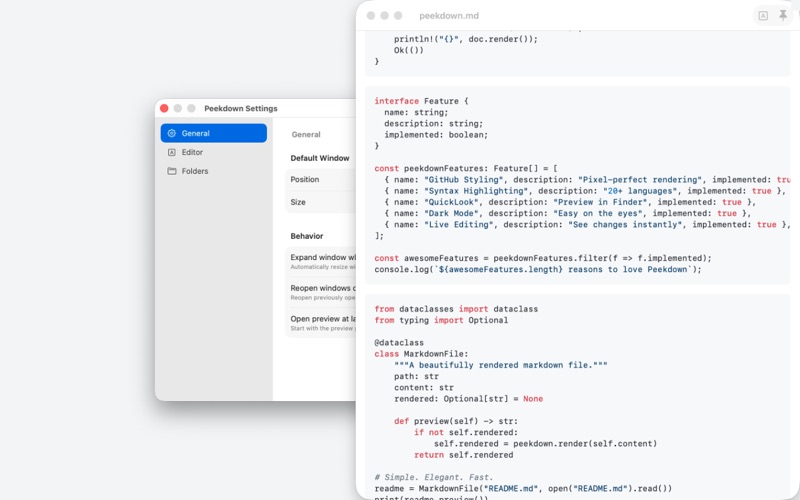
Code blocks are highlighted for 20+ programming languages including Python, JavaScript, TypeScript, Rust, Go, PHP, Swift and more.
QuickLook Support
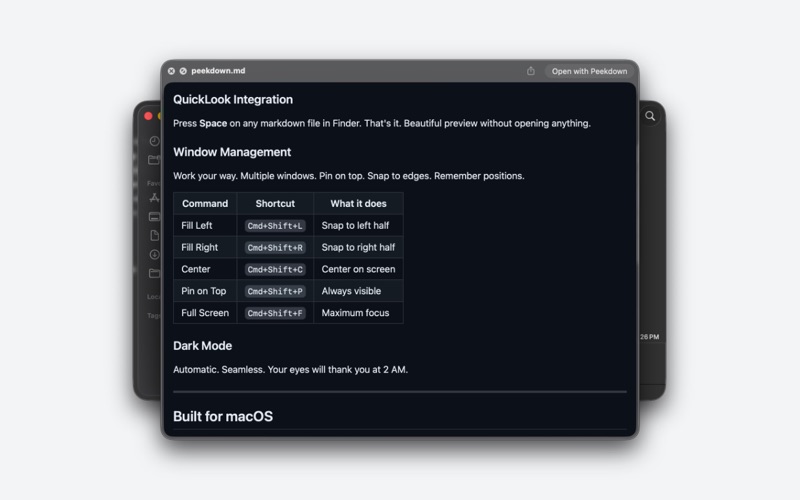
Preview markdown files directly in Finder with the included QuickLook extension. Press spacebar to peek at any .md file.
Keyboard-First Design
Full keyboard shortcut support for power users. Create, open, reload, zoom, toggle edit mode — all without touching your mouse.
Features:
• Instant markdown preview
• Light and dark GitHub themes
• Live edit mode with split view
• Interactive task list checkboxes
• Syntax highlighting for code blocks
• llms.txt and humans.txt rendering
• QuickLook extension for Finder