
iPhone Screenshots


Description
Make your screenshots look professional before you share them.
MakeSnap runs in your menu bar. It helps you capture, frame, and style your screen captures in seconds. No complex tools, just the features you need to make your work look good.
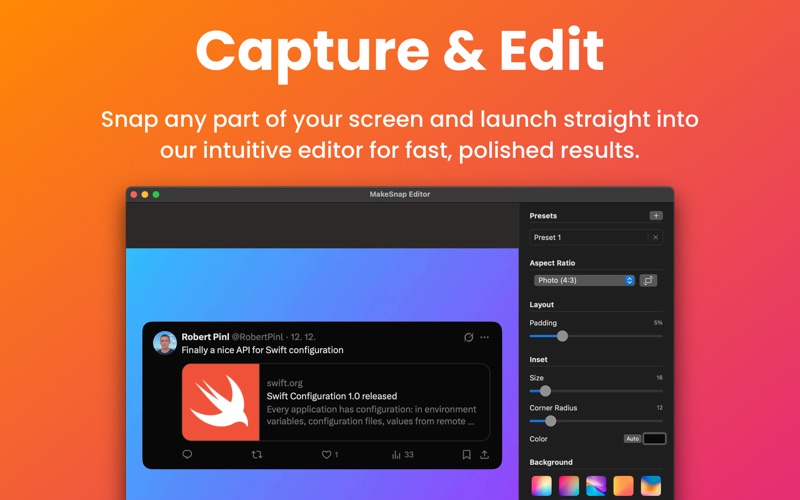
CAPTURE AND EDIT
Grab any part of your screen. It opens instantly in the editor.
BACKGROUNDS THAT FIT
Use our curated backgrounds or upload your own. Ensure every image matches your brand.
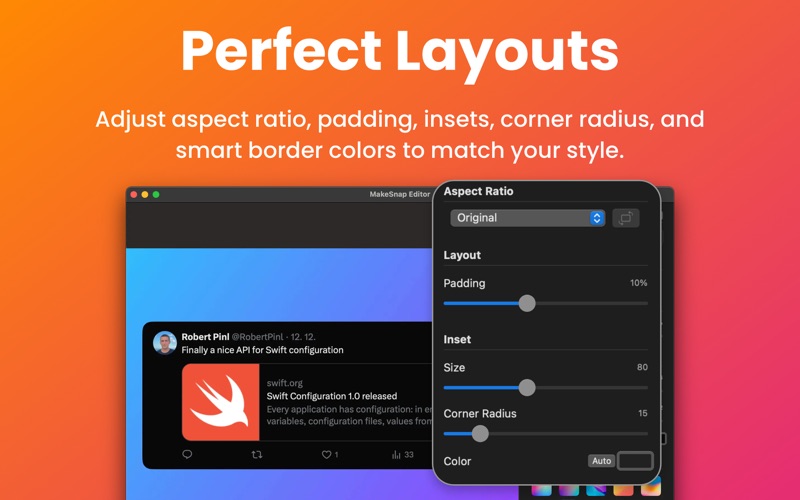
CONTROL THE DETAILS
• Aspect Ratios: Fix sizes for social media
• Padding: Adjust spacing around the image
• Inset: Frame the content perfectly
• Corners: Round the edges
• Smart Colors: Auto-detect the best border color
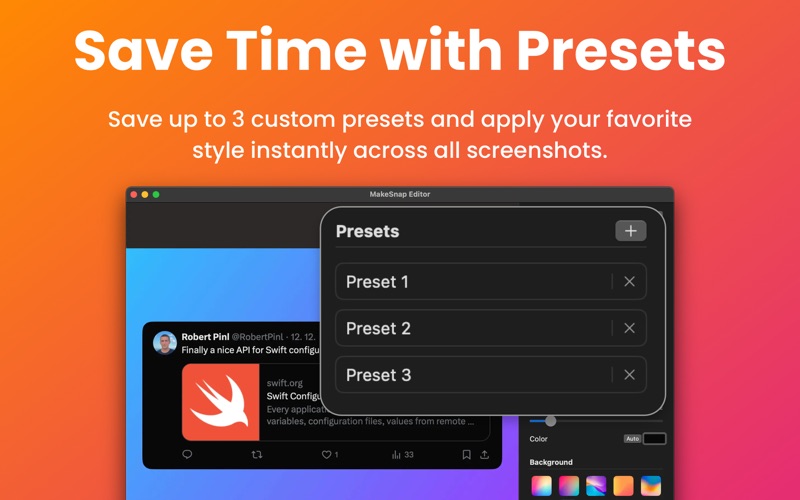
SAVE YOUR SETTINGS
Don't repeat yourself. Save your favorite styles as presets. Apply them with one click.
EXPORT FAST
• Copy to Clipboard: Paste directly into your chat or email
• Save to Disk: Export as PNG or JPEG
• Quality: Pick the right size for the job
STAY FOCUSED
• Menu Bar App: Always ready
• Quick Launch: Starts when you do
• Fast Workflow: Capture to share in seconds
WHO NEEDS THIS
• Developers sharing updates
• Designers showing work
• Marketers building posts
• Educators writing guides
Stop sending messy screenshots. Download MakeSnap.
Terms of use:
https://www.apple.com/legal/internet-services/itunes/dev/stdeula/