
iPhone Screenshots

Description
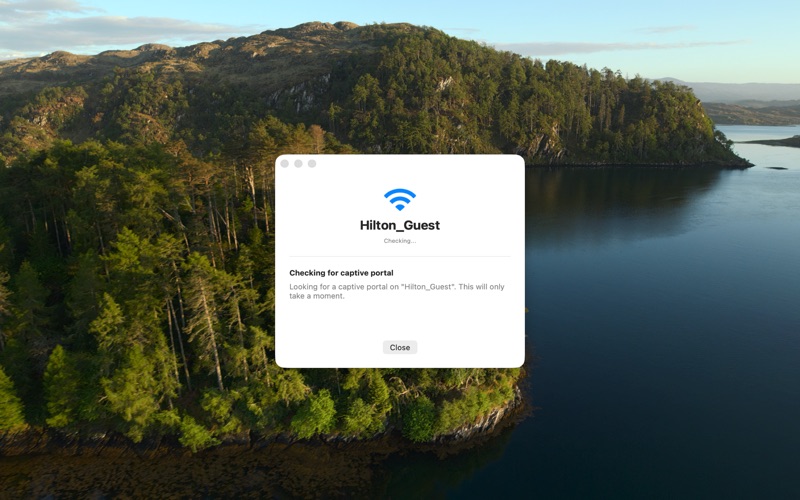
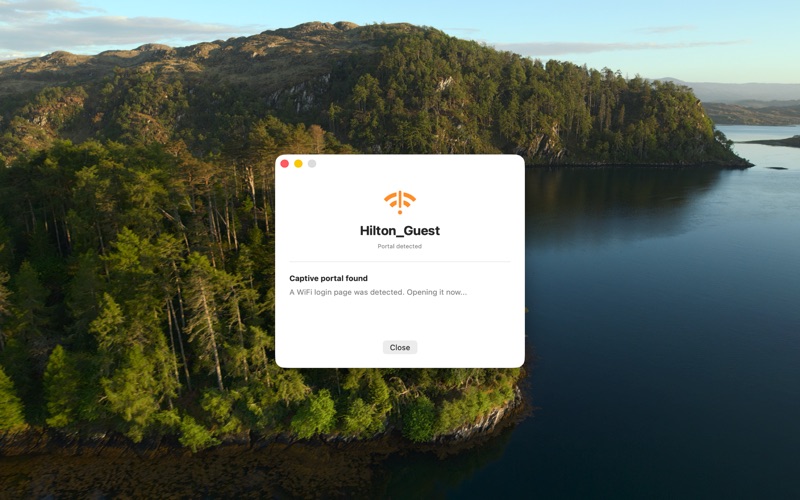
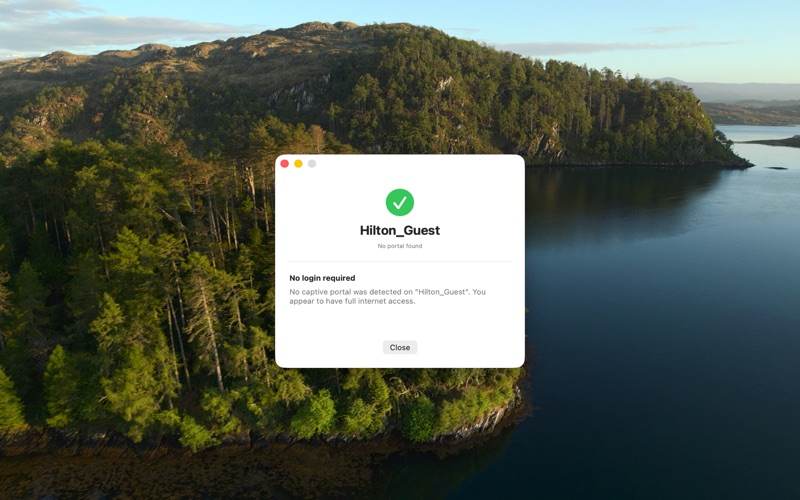
Open login screens with a single click. Access hotel, airport, or public WiFi login pages instantly. Automatically detect and display hidden login screens. Integrate with system WiFi menu for quick access.
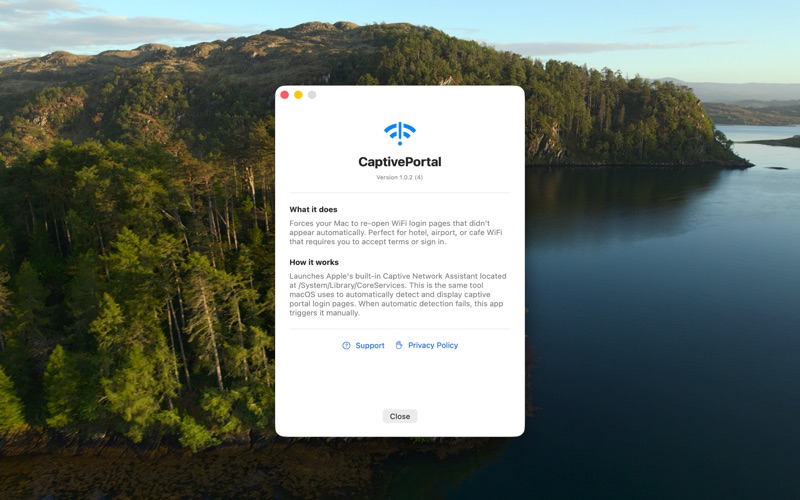
Ever connected to hotel or airport WiFi only for the login screen to never appear? Captive Portal solves this frustrating problem with one click.
SIMPLE TO USE
• Click the WiFi icon in your menu bar
• Select "Open Portal"
• The WiFi login screen appears instantly
WHEN TO USE IT
• Hotel WiFi that doesn't show the login screen
• Airport lounges with stubborn captive portals
• Any public WiFi where you accidentally dismissed the login
• When the "Accept Terms" prompt just won't load
LIGHTWEIGHT & PRIVATE
• Lives quietly in your menu bar
• No data collection
• No background processes
• Uses Apple's built-in network tools
HOW IT WORKS
Captive Portal triggers macOS's built-in Captive Network Assistant - the same tool that normally shows WiFi login screens automatically. When that automatic detection fails, this app forces it to run on demand.
Perfect for frequent travelers, digital nomads, and anyone who's ever been stuck without internet access despite being connected to WiFi.