
iPhone Screenshots


Description
Read your script without anyone knowing.
ScrollCue is an invisible teleprompter for macOS that displays a transparent, floating text overlay while you present, record videos, or join meetings. Never forget your lines again.
Key Features:
- Transparent Overlay — Glass-like floating window that blends with your desktop
- Drag & Resize — Position and size the teleprompter exactly where you need it
- Adjustable Speed — Control scroll speed from 10 to 200 pixels per second
- Mirror Mode — Flip text horizontally for use with beam splitter setups
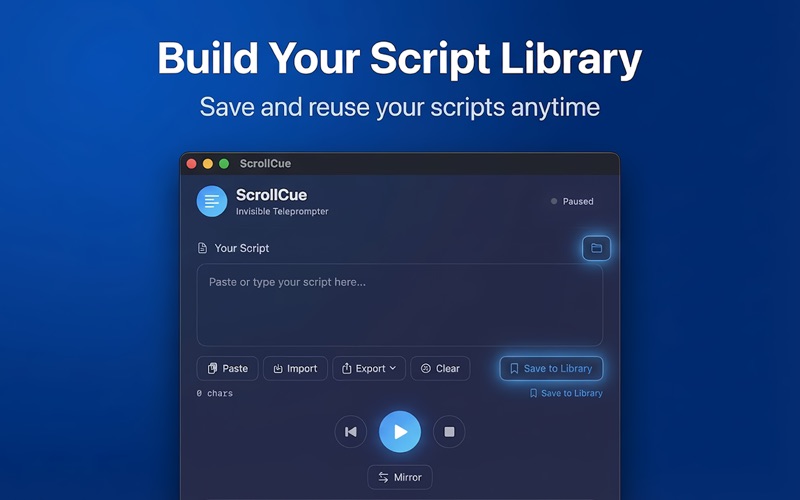
- Save Scripts — Store your frequently used scripts for quick access
- Keyboard Shortcuts — Play, pause, and control speed without touching your mouse
- Opacity Control — Adjust transparency from 30% to fully visible
- Font Sizing — Choose font size from 16pt to 72pt for any viewing distance
Perfect for:
- YouTubers and content creators
- Presenters and public speakers
- Students recording presentations
- Podcasters reading show notes
- Anyone who needs to read while looking at the camera
How it works:
1. Paste or type your script in the control panel
2. Position the overlay window on your screen
3. Press Space to start scrolling
4. Use arrow keys to adjust speed on the fly
ScrollCue lives in your menu bar and stays out of your way until you need it.