
iPhone Screenshots





Description
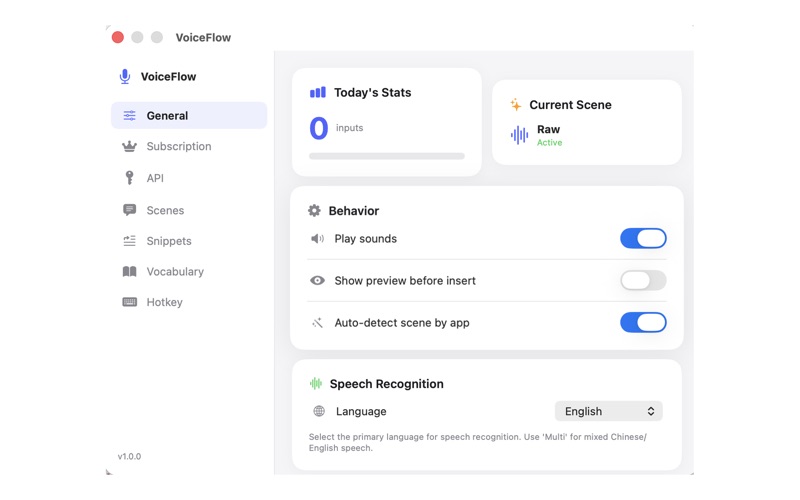
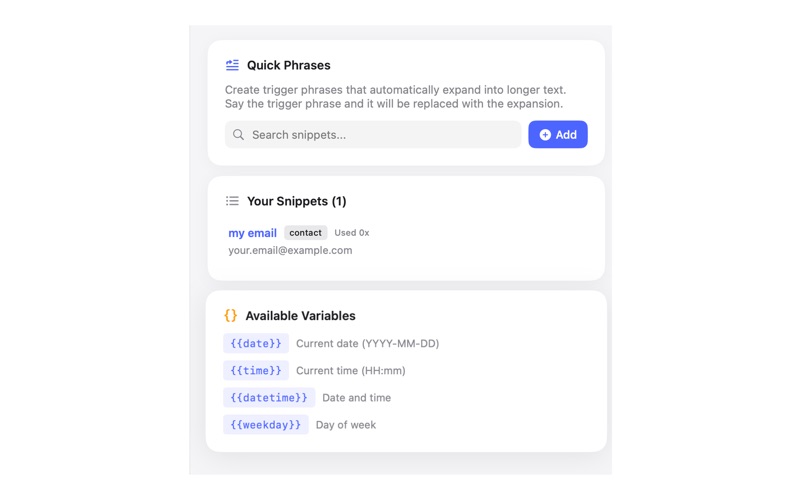
VoiceFlow is a powerful voice-to-text application that lives in your Mac menu bar. Simply hold a hotkey, speak, and watch your words appear as text.
Key Features:
• Instant voice transcription with AI-powered accuracy
• Works in any application - emails, documents, notes, and more
• Customizable scenes for different use cases (writing, coding, casual chat)
• AI text enhancement to polish your dictated text
• Privacy-focused: your audio stays on your device
• Minimal footprint - runs quietly in your menu bar
Perfect for:
• Writers and content creators
• Professionals who need hands-free typing
• Anyone who thinks faster than they type
• Accessibility users
How it works:
1. Press and hold Option+Space (customizable)
2. Speak naturally
3. Release to transcribe and paste
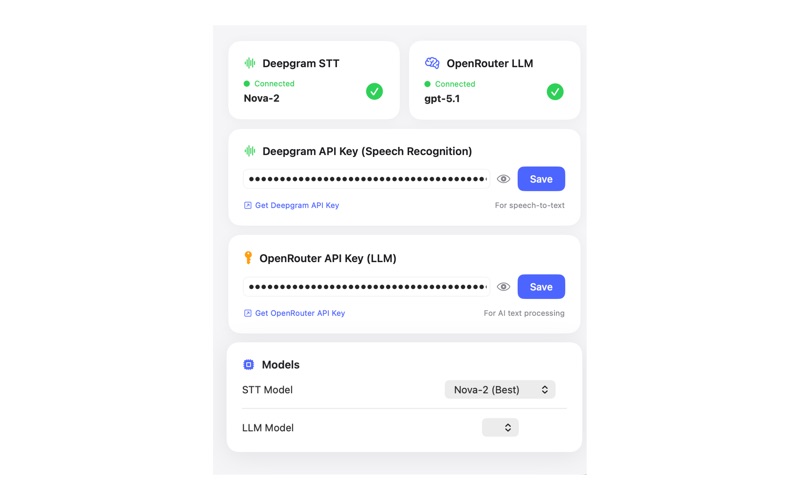
VoiceFlow uses advanced AI to deliver fast, accurate transcriptions. Choose from multiple AI providers and customize prompts for your specific needs.
Requirements: macOS 14.0 or later, microphone access.
Privacy Policy: https://voiceflow-website-pi.vercel.app/privacy-policy.html
Terms of Use (EULA): https://www.apple.com/legal/internet-services/itunes/dev/stdeula/