
iPhone Screenshots


Description
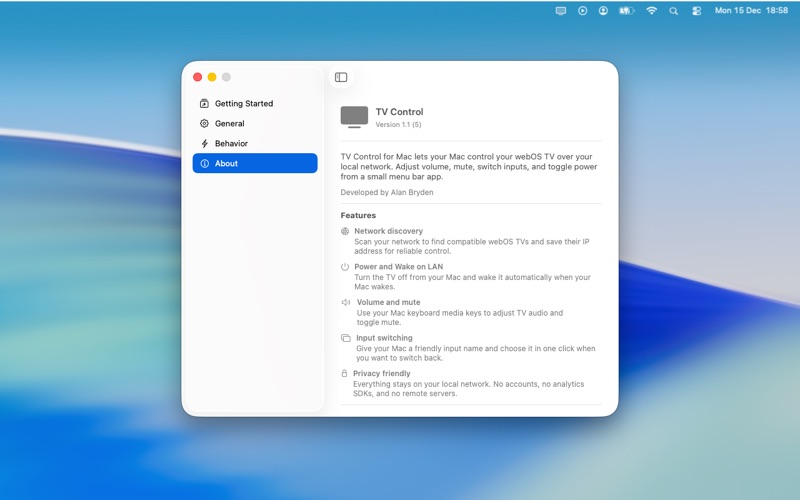
TV Control lets your Mac communicate with compatible smart TVs that support WebOS-style network control interfaces. Adjust volume, mute audio, switch inputs, and manage power directly from a clean and lightweight menu bar app.
Why use TV Control
TV Control connects to your television using standard WebSocket-based control protocols available on many WebOS-powered devices. Everything operates over your local network, with no physical remote required, no line of sight constraints, and no cloud services involved.
Network discovery
Quickly scan your local network to find supported televisions, then save a device for fast and reliable control.
Power and wake options
Turn the display off from your Mac and wake it automatically when your Mac becomes active using Wake on LAN.
Volume and mute controls
Adjust audio using your Mac’s media keys or toggle mute instantly from the menu bar.
Input switching
Give your Mac a friendly input label and switch back to it in one click when returning to your workspace.
Menu bar access
TV controls stay available at all times without disrupting your workflow or opening a separate window.
Privacy friendly
All communication happens entirely on your local network. No accounts, no analytics, and no external servers.