
iPhone Screenshots

Description
AppNotes — Project Notes for Developers
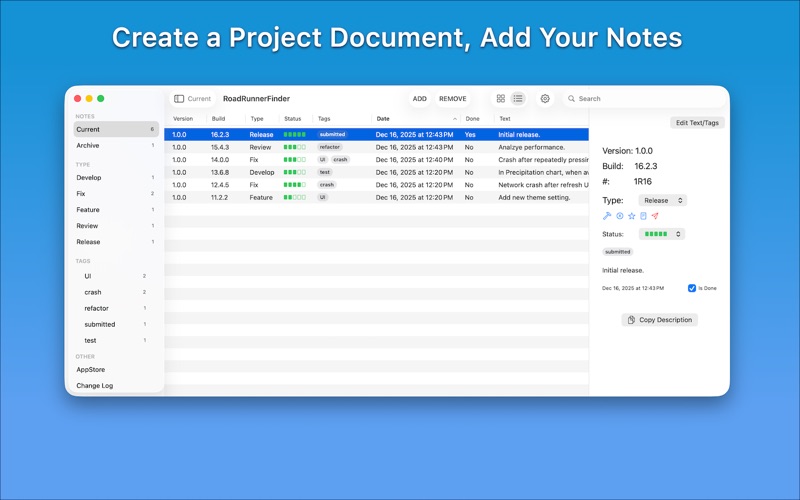
AppNotes is a focused, document-based macOS app for software developers who want a clear and flexible way to manage project notes, development progress, and release information. Each document represents a single software project, keeping related work organized and easy to revisit over time.
Create Structured Project Notes
- Create notes for development tasks, bug fixes, features, reviews, or releases
- Optional fields include:
- Version and build number
- Type and progress status
- Tags, start date, and completion state
- Add free-form description text when needed
- Nothing is required — track only what matters to you
Designed Around How Developers Work
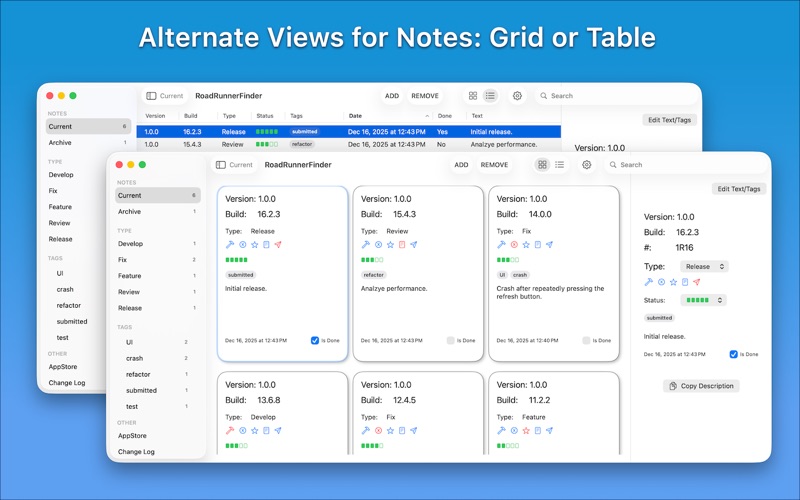
- View notes in multiple layouts:
- Grid view
- Table view
- Detail sidebar view
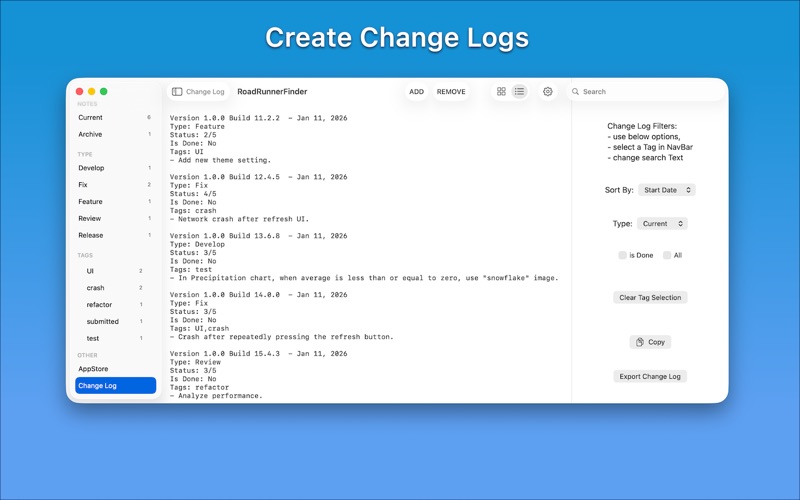
- Change log view
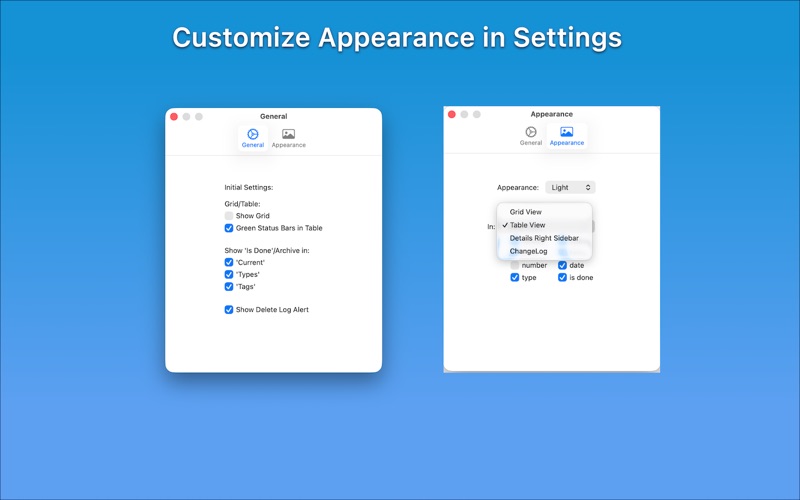
- Each view has independent visibility controls
- Show or hide fields such as version, status, tags, dates, or completion state
Fast Filtering and Search
- View current or archived notes
- Filter by type or user-defined tags
- Search across note descriptions to find information quickly
Change Logs and App Store Metadata, Built In
- Generate a clear, filterable change log from your notes
- Copy or export change logs as plain text
- Organize App Store metadata in one place:
- Title, subtitle, keywords, promotional text, and description
- Live word counts for each field
- Bundle ID, Apple ID, SKU, and related links
- Export App Store details as a text file for reuse
Sample Project Included
- Open a Sample project document from the File menu
- Includes example notes and App Store metadata
- Sample document is read-only to preserve its contents
- Duplicate the sample to freely edit and experiment
Simple, Intentional, and Accessible
- Minimal design focused on clarity and control
- Preferences for:
- Grid or table layouts
- Visibility of completed items
- Field visibility per view
- Supports Light and Dark Mode
- Compatible with VoiceOver
Subscription & Trial:
AppNotes requires an auto-renewing subscription.
- Free trial included for new users
- Your iTunes account will be charged after the trial ends
- Subscriptions renew automatically unless canceled at least 24 hours before the end of the current period
- Manage your subscription in your App Store account settings
Whether you’re planning features, tracking fixes, preparing release notes, or organizing App Store submissions, AppNotes helps keep your project notes structured, searchable, and under your control.
Privacy & Terms:
Privacy Policy:
https://fbotlogicsolutions.com/home/privacypolicy.html
Terms of Use:
https://www.apple.com/legal/internet-services/itunes/dev/stdeula/